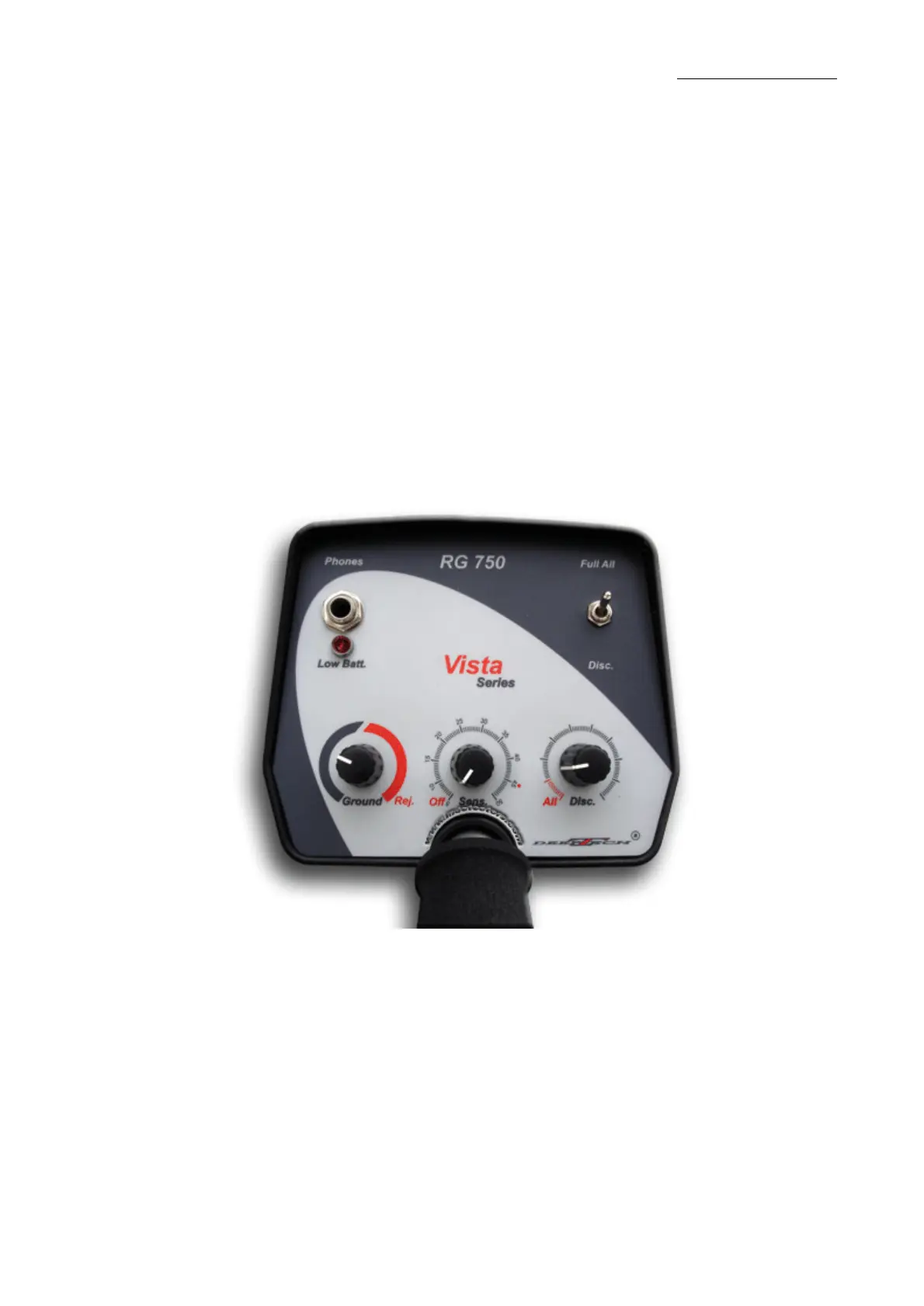
Vista Series RG 750
www.mdetectors.com
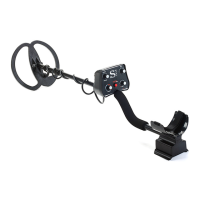
Assemble Middle Pole Assembly with Upper Pole Assembly (with the
control housing), using the supplied bolt.
Loosen tightening the pole lock of the Middle Pole Assembly and put
the Lower (plastic) one into it. Then tighten the pole lock again to
secure the two assemblies together.
Insert carefully the lower pole assembly into the searchcoil and tighten
by hand the thumb nut.
Wind the searchcoil cable around the stem. Leave enough slack in the
cable to let you adjust the coil when you are hunting on uneven
ground. Insert the coil's plug into the matching connector on the control
housing. Do not forget to tighten the cable thumb nut.
Use of Vista RG 750:
1. Turn Sensitivity knob to start Vista RG 750 and adjust it according to
the surrounding noises. We recomend that you stop before you start
hearing these noises.
2. Set the toggle switch in „Disc.“ position. Set „Ground“ knob to the
final left position. Turn „Disc.“ knob to 10.00 position.
3. To adjust Vista RG 750 towards the soil condition use a place free of
metal particles on the terrain where you will work. Move the searchcoil
up and down and turn carefully „Ground“ knob to the right. The
adjustment is completed when the sound stops.


 To Next Page