8
TOUCH CONTROL FUNCTIONS
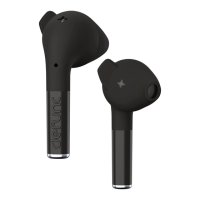
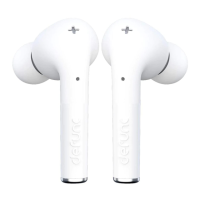
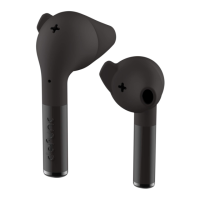
Tap or press the earbud touch area to control different functions.
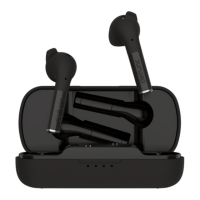
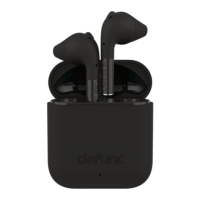
Power on: Open the cap of the charging case and take the earbuds out
for auto-power on. Or touch the left and right earbuds for 3 seconds to
power on.
Power off: Put the earbuds back in the charging case or touch either the
right or left earbuds for 5 seconds. Auto-power off will be activated after
5 minutes in paired mode without connected device.
Play/pause: While listening to music, double-click the touch area of any
earbud to play and pause the music.
Next track: While listening to music, press the right earbud for
2 seconds to get to next song.
Previous track: While listening to music, press the left earbud for
2 seconds to play previous song.
Volume increase: Click once on the right earbud. Wait 1 second
between each touch if you want to increase the volume.
Volume decrease: Click once on the left earbud. Wait 1 second
between each touch if you want to decrease the volume.
TRUE_TALK_MANUAL_100x100.indd 8TRUE_TALK_MANUAL_100x100.indd 8 2021-12-03 11:452021-12-03 11:45


 To Next Page