Page 13
Time delay
• A programme start time may be delayed
by up to 24 hours.
• Load the laundry and close the dryer door.
• Select the drying programme and any
desired auxiliary functions.
• Press the time delay buttons + and - to set
the desired time delay.
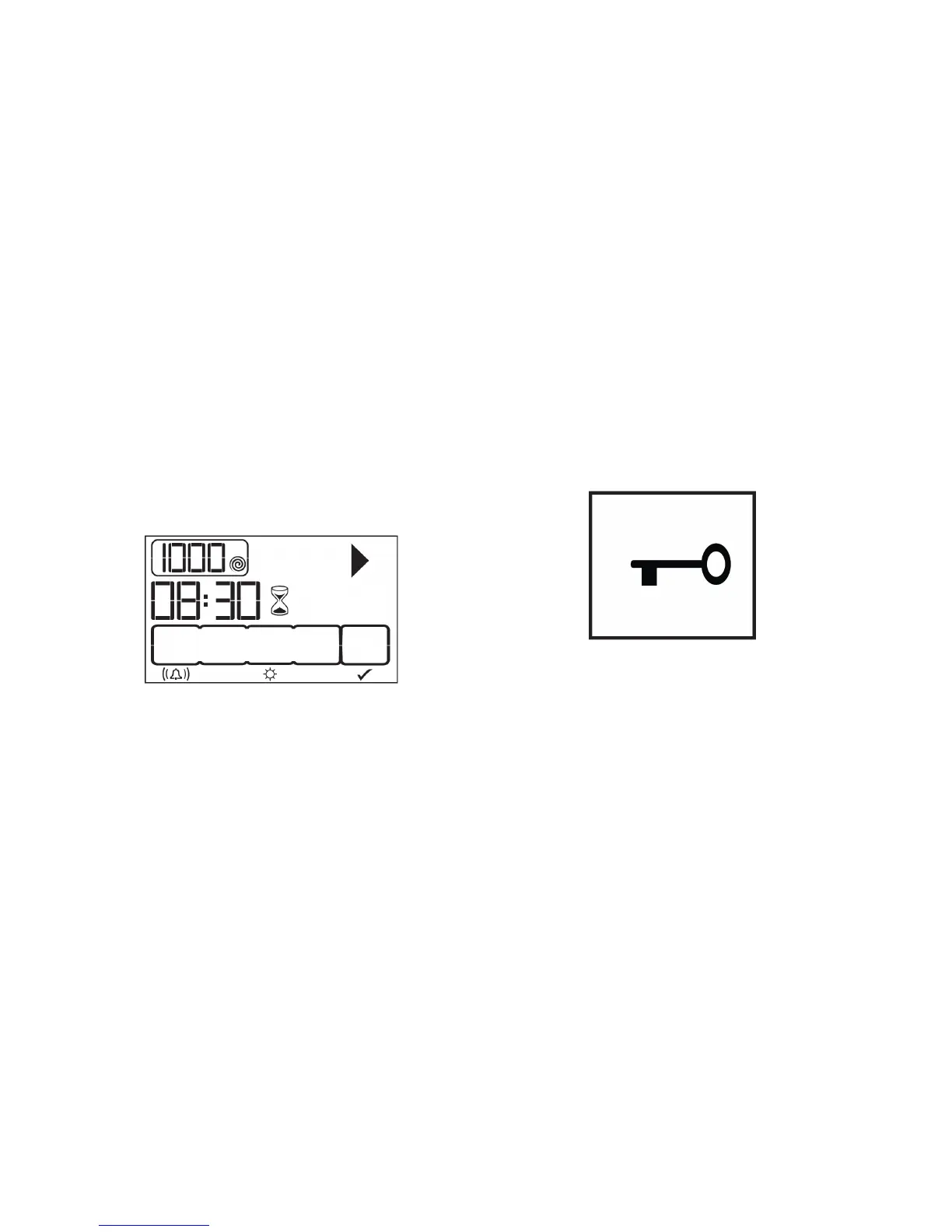
• The time delay symbol will flash.
• Press the Start / Pause / Cancel button.
• The time delay will commence a
countdown.
• The colon “:” in the centre of the display
will start flashing.
• Additional laundry may be added at any
time during the countdown period.
• At the end of the countdown the selected
drying programme will commence and the
time delay symbol will switch off.
Note the display shows a total of delay and
drying time.
Changing the time delay
Press and hold the Start / Hold / Cancel
button for 3 seconds.
Repeat the steps above to set a new time
delay.
Cancelling the time delay
Press and hold the Start / Hold / Cancel
button for 3 seconds.
Press the Start / Hold / Cancel button to
resume the programme previously selected.
Child lock
• The dryer is equipped with a child lock to
prevent accidental activation of the dryer
controls while operating.
• When the lock is activated only the Start /
Pause / Cancel button remains
operational.
• To activate the lock, press and hold the
Buzzer cancel button and the Anti-
creasing buttons simultaneously for 3
seconds.
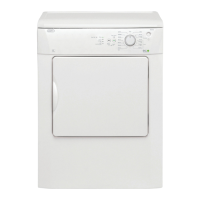
• The lock symbol will appear on the
display..
• To deactivate the lock, press and hold the
Buzzer cancel button and the Anti-
creasing buttons simultaneously for 3
seconds.
• It is also deactivated when the On / Off
button is pressed..



 To Next Page