1. Right microphone
2. Camera-status light
3. Camera
4. Left microphone
5. Caps-lock status light
6. Wireless-status light
7. Hard-drive activity light
8. Power-adapter port
9. Security-cable slot
10. USB 3.0 port with PowerShare
11. Microphone/headphone port
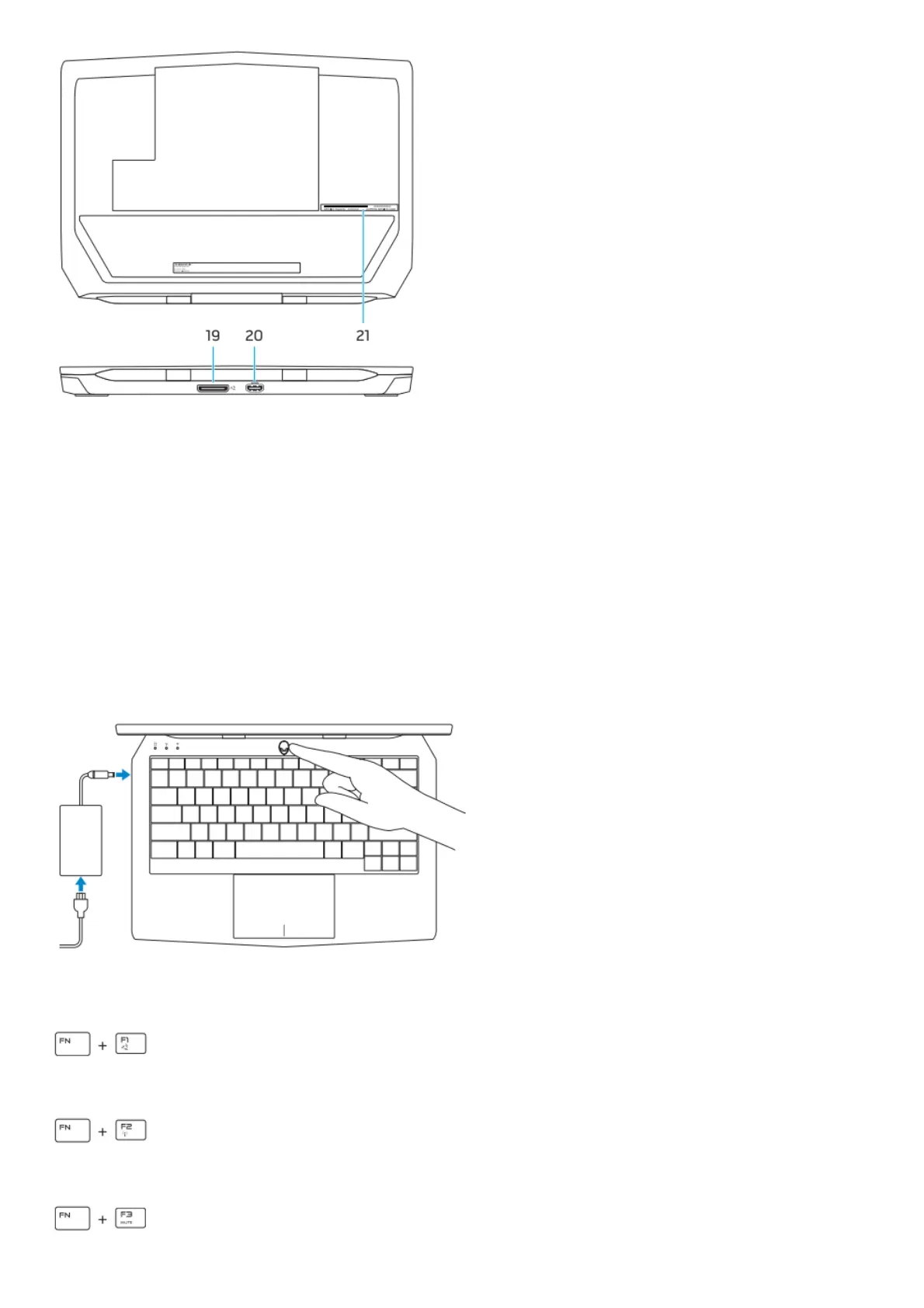
Connect the power adapter and press the power button
Shortcut keys
Allows to disconnect Alienware graphics amplifier
Disable/enable wireless
Mute audio










 To Next Page