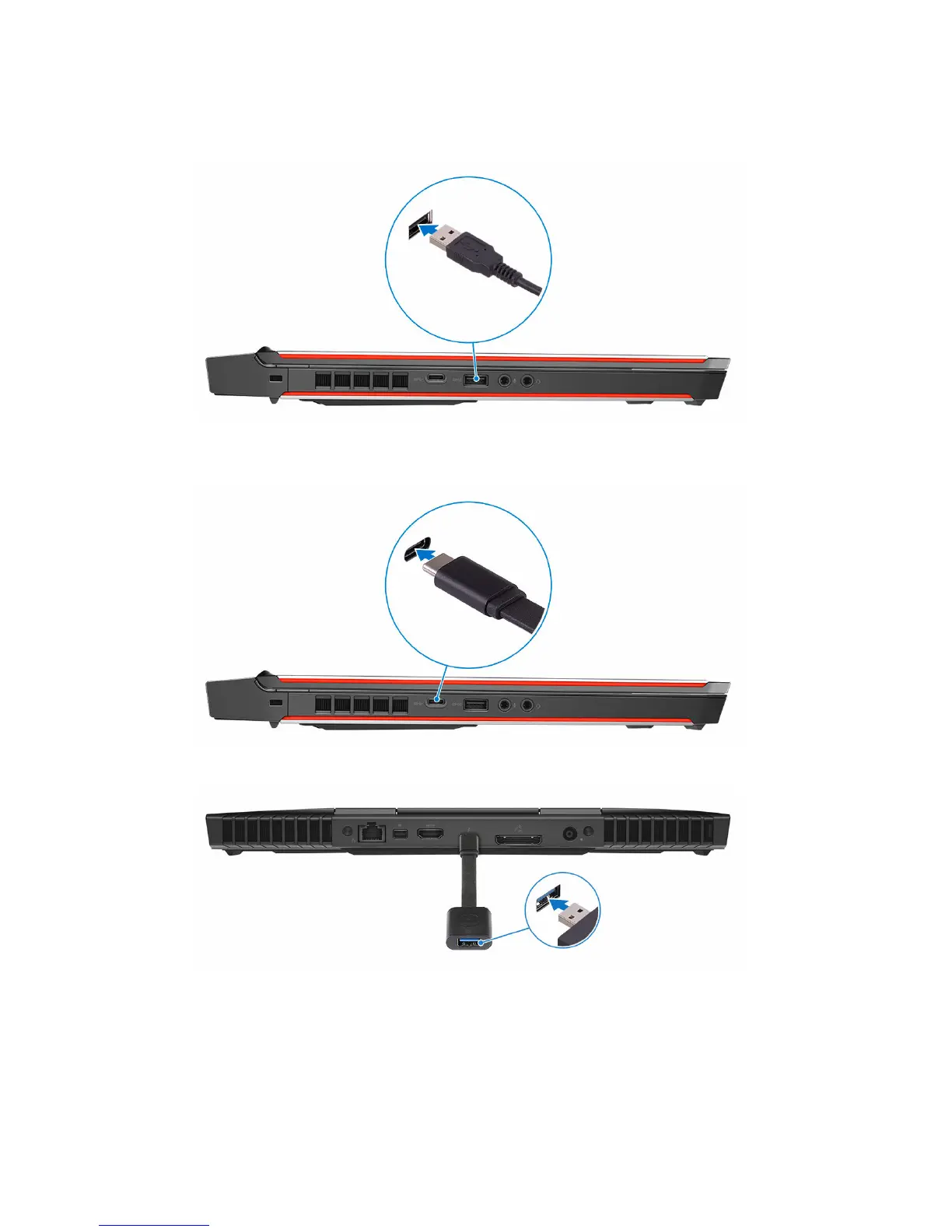
5 Connect the Oculus Rift tracker to the USB Type-A port at the left side of
your computer.
6 Connect a USB Type-C to Type-A dongle to the USB 3.0 (Type-C) port at
the left side of your computer.
7 Connect the XBOX controller to the USB Type-A port on the USB dongle.
8 Connect the Oculus Rift tracker for Touch to the USB Type-A port on the
dongle.
9 Follow the instructions on the screen to complete the setup.
9












 To Next Page