Basic faxing
64
2. Menu Overview and Basic Setup
Darkness
You can select the degree of darkness of the original document.
The darkness setting is applied to the current fax job. To change the default
setting (see "Fax menu" on page 187).
1
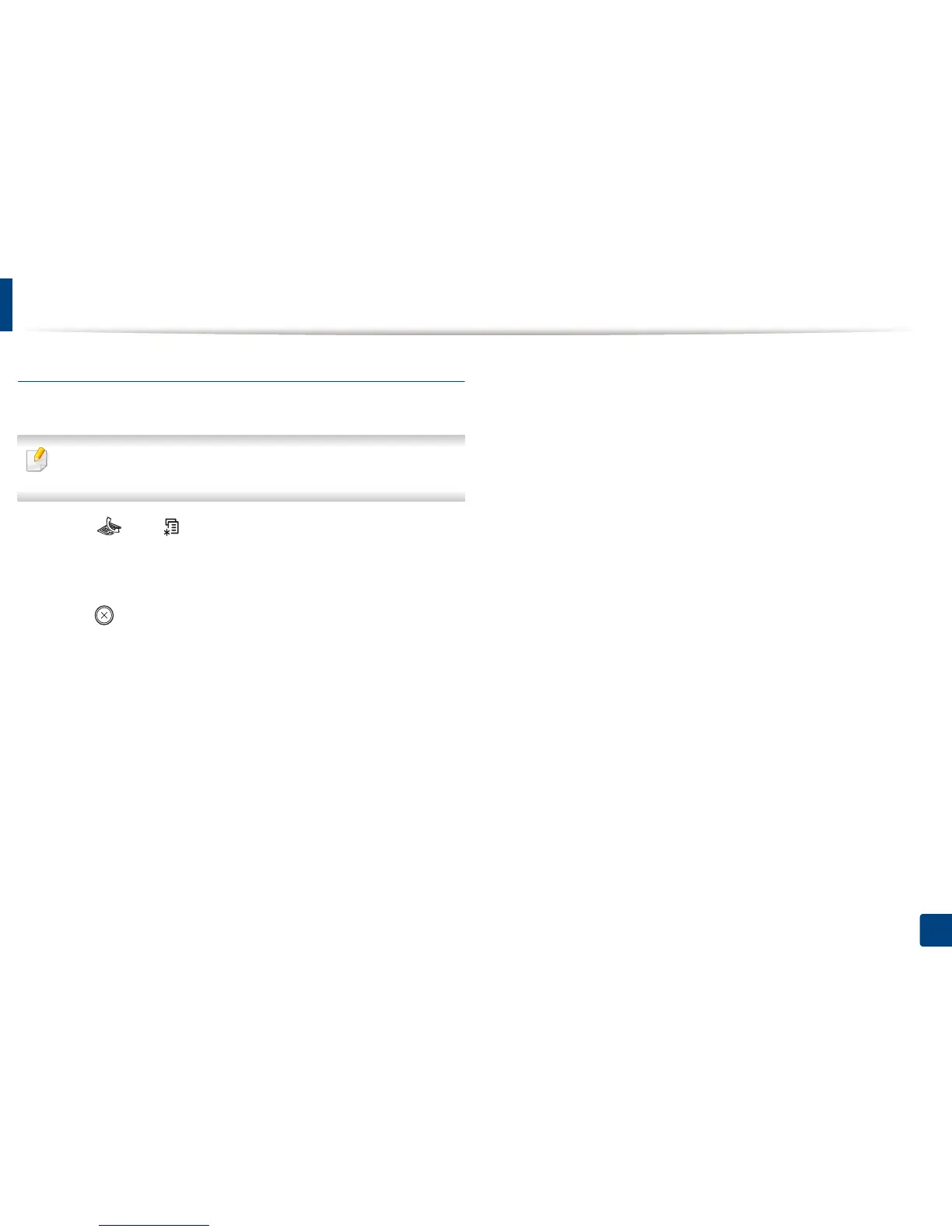
Select (fax) > (Menu) > Fax Feature > Darkness on the control
panel.
2
Select a darkness level you want.
3
Press (Stop/Clear) to return to ready mode.





 To Next Page