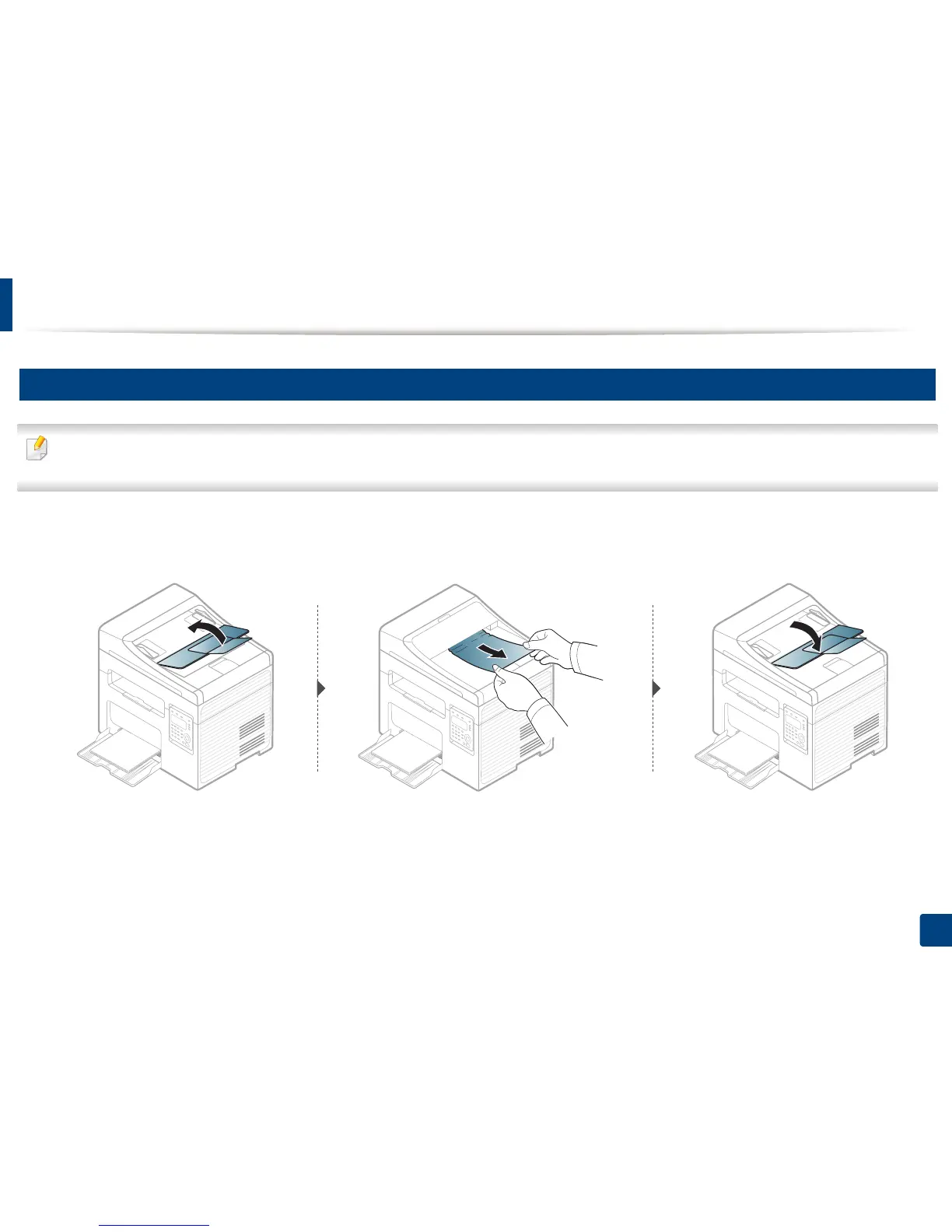
Clearing original document jams
91
4. Troubleshooting
3
Original paper jam in exit area of scanner
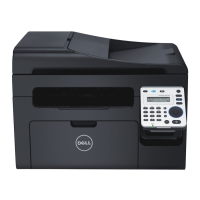
• Illustrations on this user’s guide may differ from your machine depending on its options or models. Check your machine type (see "Front view" on page 18).
• This troubleshooting may not be available depending on model or optional goods (see "Front view" on page 18).
1
Remove any remaining pages from the document feeder.
2
Gently remove the jammed paper from the document feeder.





 To Next Page