Loading Print Media 211
17
Loading Print Media
Loading print media properly helps prevent jams and ensures trouble-free printing.
Before loading print media, identify the recommended print side of the print media. This information is usually on
the print media package.
NOTE: The images used in this manual are those of the Dell™ C1765nfw Color Multifunction Printer unless otherwise mentioned.
NOTE: After loading paper in the feeder, specify the same paper type on the operator panel.
Capacity
Multipurpose Feeder (MPF) can hold:
• 150 sheets of standard paper
• 16.2 mm (0.64 inches) of thick paper
• One sheet of coated paper
• 16.2 mm (0.64 inches) of post cards
• Five envelopes
• 16.2 mm (0.64 inches) of labels
Priority Sheet Inserter (PSI) can hold:
• 10 sheets of standard paper or one sheet of other paper
Print Media Dimensions
Both MPF and PSI accept print media within the following dimensions:
• Width — 76.2 mm (3.00 inches) to 215.9 mm (8.50 inches)
• Length — 127.0 mm (5.00 inches) to 355.6 mm (14.00 inches)
Loading Print Media in the Multipurpose Feeder (MPF)
NOTE: Use only laser print media. Do not use ink jet paper in this printer.
1
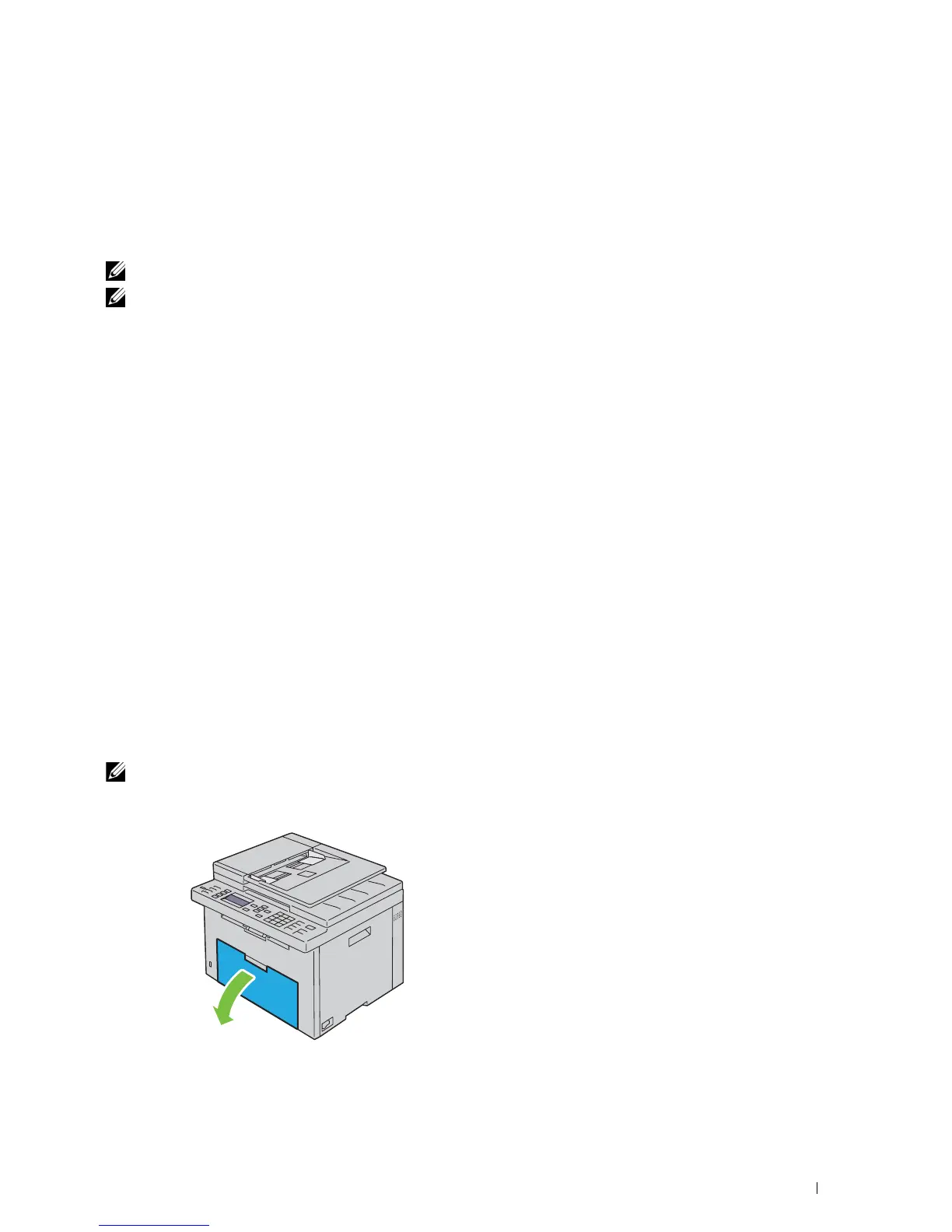
Open the front cover.



 To Next Page
 Loading...









