Scanning 249
Scanning From the Operator Panel - Using WSD
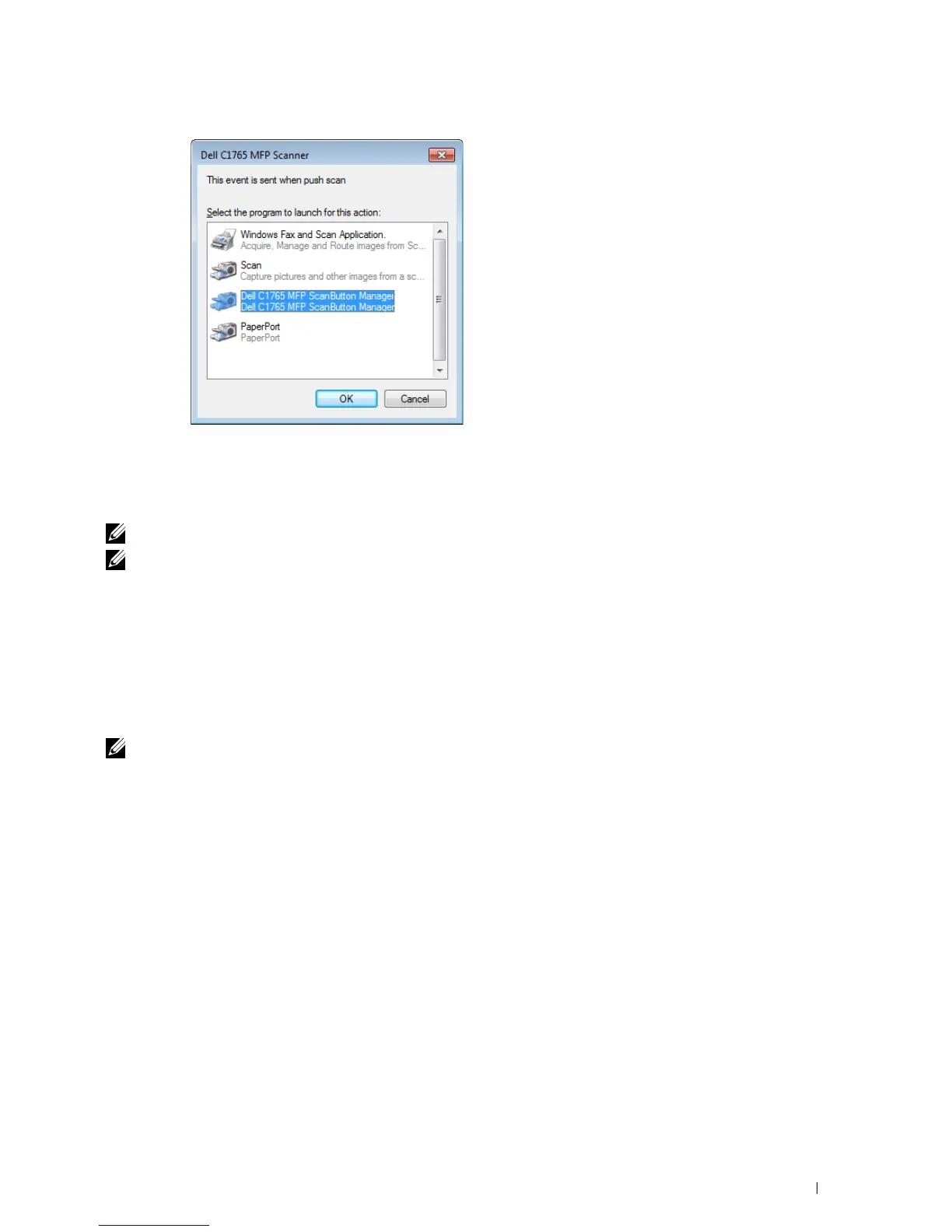
If the printer is connected to a computer via network using Web Services on Devices (WSD) protocol, you can use
the protocol to send scanned images to a computer.
NOTE: To scan using WSD, you need to setup connection using WSD.
NOTE: WSD is supported only on Windows Vista
®
, Windows 7, Windows 8, and Windows 8.1.
Printer Setup for Scanning via WSD
Setup the printer and computer for connection using WSD.
Checking the Printer Setting
Set WSD to Enable in the printer settings. See "Protocol" on page 179 for details.
Setting Up the Computer
NOTE: For Windows 8 and Windows 8.1, the computer automatically connects the printer using WSD. There is no need to install
the printer manually.
For Windows 7:
1
Click
Start
→
Computer
→
Network
2
Right-click the icon for the printer, and then click
Install
. The printer is connected using WSD.
For Windows Vista:
1
Click
Start
→
Network
2
Right-click the icon for the printer, and then click
Install
.
3
Click
Continue
. The printer is connected using WSD.



 To Next Page
 Loading...









