Scanning 271
5
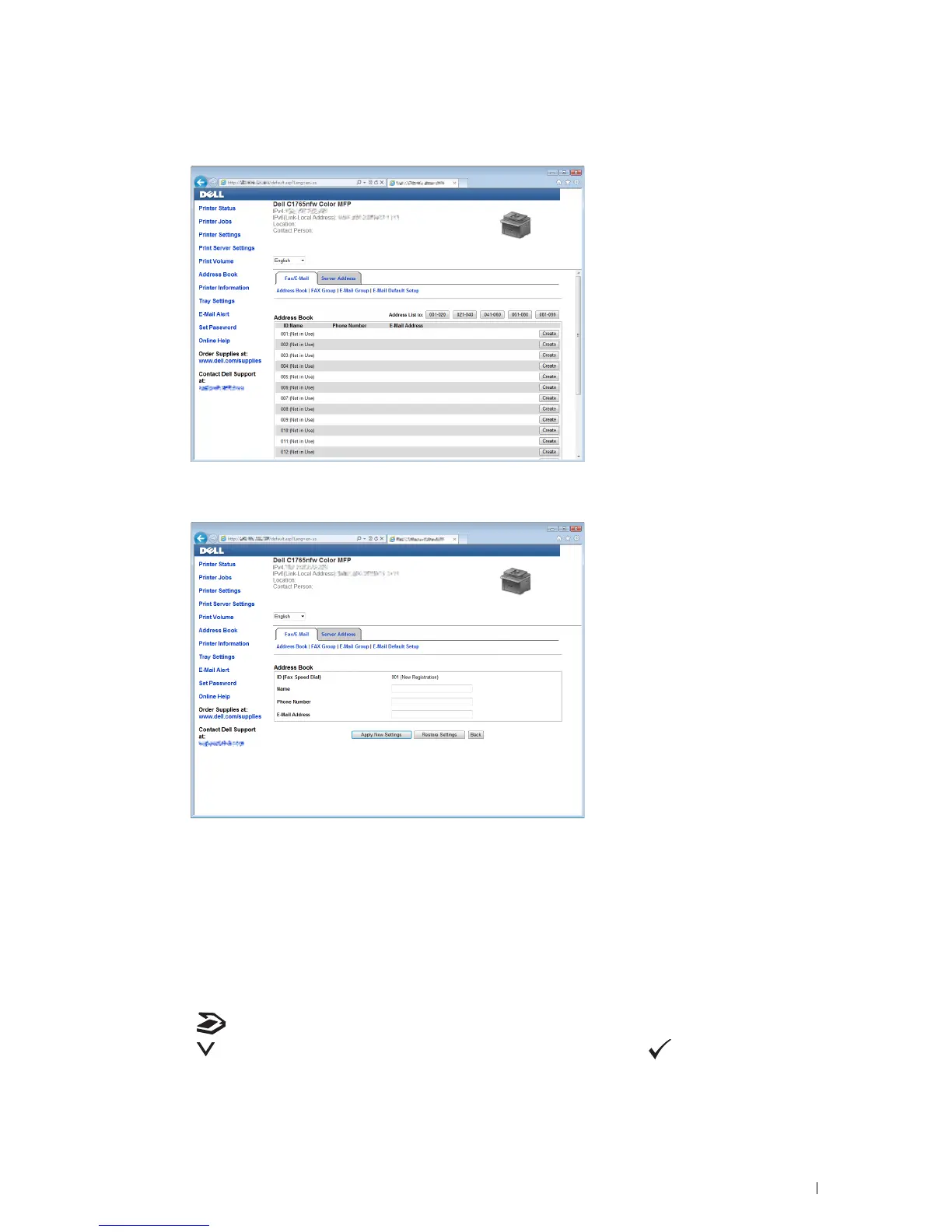
Click
Create
.
6
Enter a name and e-mail address in the
Name
and
E-Mail Address
fields.
7
Click
Apply New Settings
.
Sending an E-Mail With the Scanned File
1
Load the document(s) face up with top edge in first into the ADF.
OR
Place a single document face down on the document glass, and close the document cover.
For details about loading a document, see "Making Copies From the ADF" on page 235 or "Making Copies From
the Document Glass" on page 233.
2
Press the
(Scan)
button.
3
Press the button until
Scan to E-Mail
is highlighted, and then press the (
Set
) button.
4
Specify an e-mail address using the numeric keypad or the Address Book.



 To Next Page
 Loading...









