328 Maintaining Your Printer
Cleaning the Scanner
Keeping the scanner clean helps ensure the best possible copies. It is recommended to clean the scanner at the start
of each day and during the day, as needed.
1
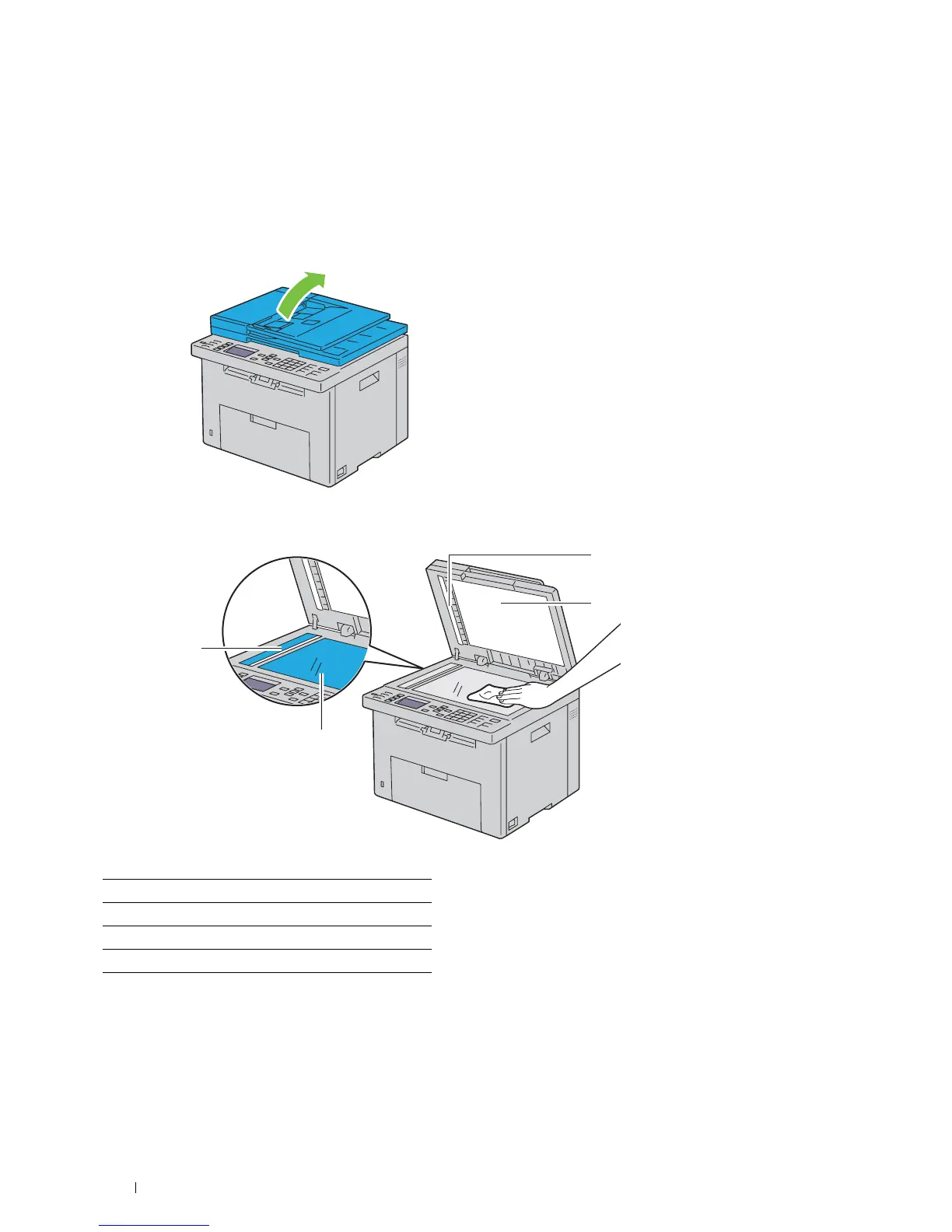
Slightly dampen a soft lint-free cloth or paper towel with water.
2
Open the document cover.
3
Wipe the surface of the document glass and ADF glass until it is clean and dry.
1 White Sheet
2 White Document Cover
3 Document Glass
4 ADF Glass
1
3
4
2



 To Next Page
 Loading...









