Troubleshooting 351
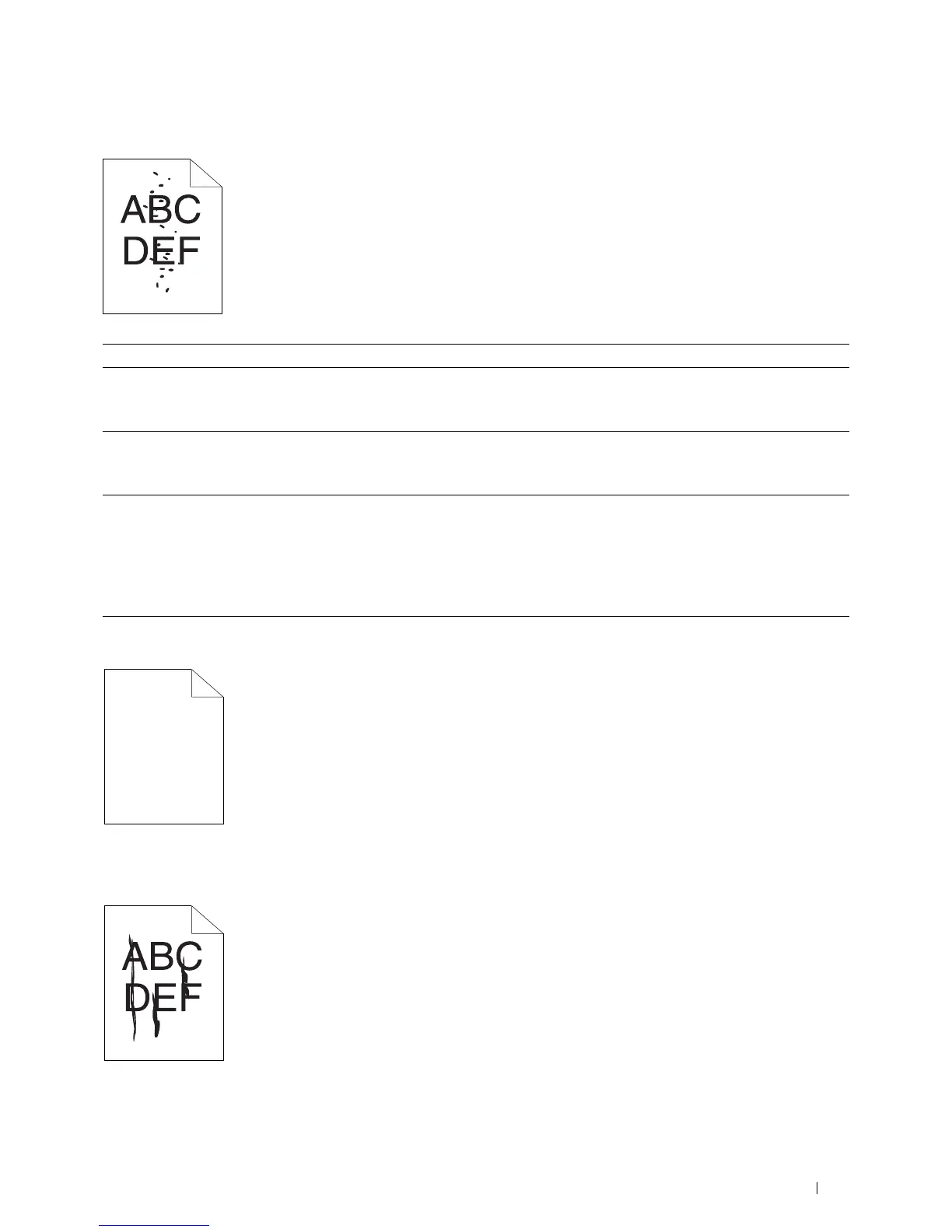
Random spots/Blurred images
The entire output is blank
If this trouble comes out, contact Dell.
Streaks appear on the output
If this trouble comes out, contact Dell.
Action Yes No
1 Ensure that the toner cartridges are installed correctly. See
"Installing a
Toner Cartridge
" on page 320
.
Is the problem recovered?
The task is complete. Go to action 2.
2 If you use non-Dell brand toner cartridges, install Dell brand toner
cartridges.
Is the problem recovered?
The task is complete. Go to action 3.
3 Clean up the fusing unit.
a
Load one sheet of paper on the MPF, and then print a solid image all
over paper.
b
Load the printed sheet with the side to be printed on facing down,
and then print a blank sheet of paper.
Is the problem recovered?
The task is complete. Contact Dell.



 To Next Page
 Loading...









