9
Installation and Startup
|
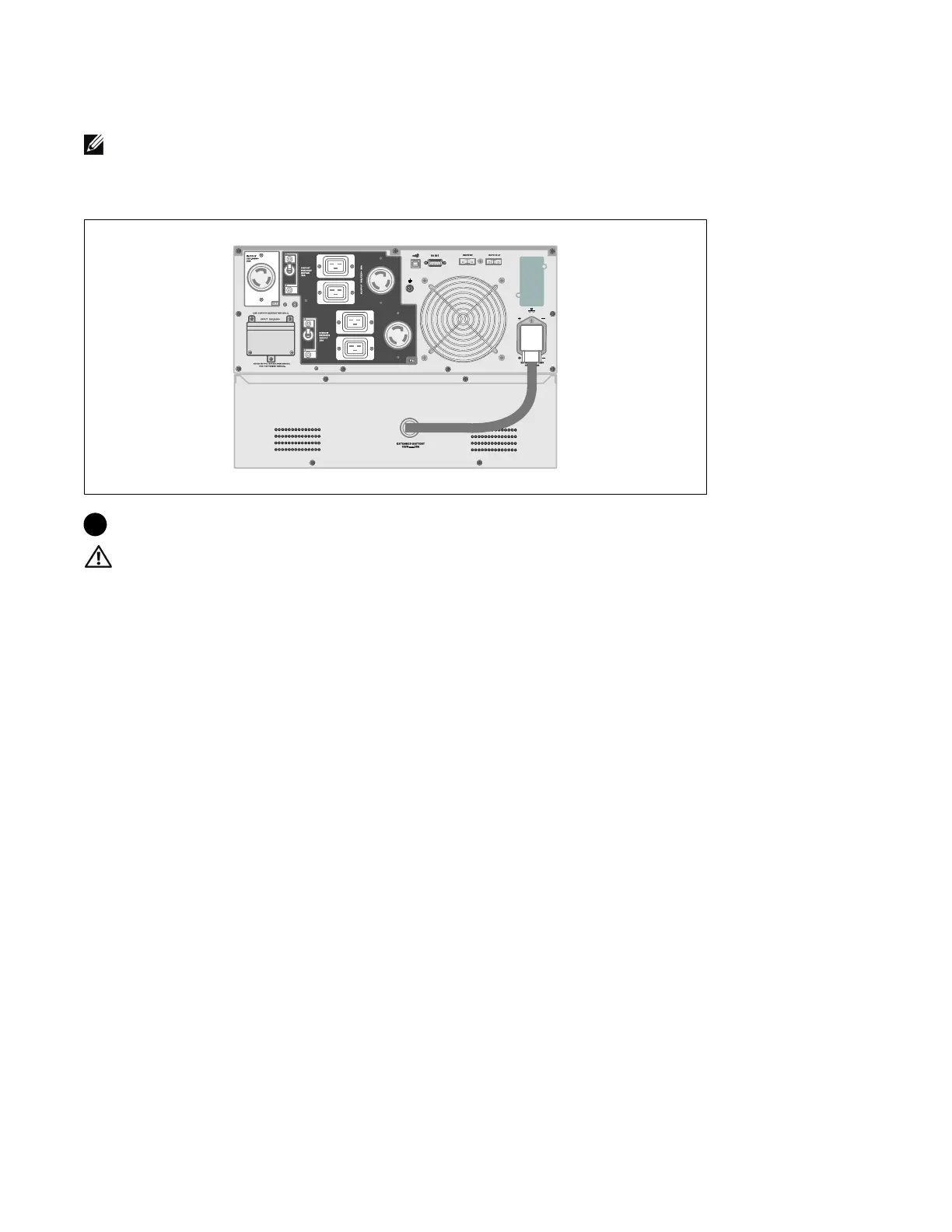
Connecting the EBM
NOTE: A small amount of arcing may occur when connecting an EBM to the UPS. This is normal and will not
harm personnel. Insert the EBM cable into the UPS battery connector quickly and firmly.
Installing the EBM Cable
7 Plug the EBM cable into the UPS battery connector.
CAUTION:
Follow the instructions in the UPS Getting Started document or the Dell Online Rack UPS 3750W
and 4200W User's Guide for instructions on installing the UPS.



 To Next Page