22 Using Your Projector
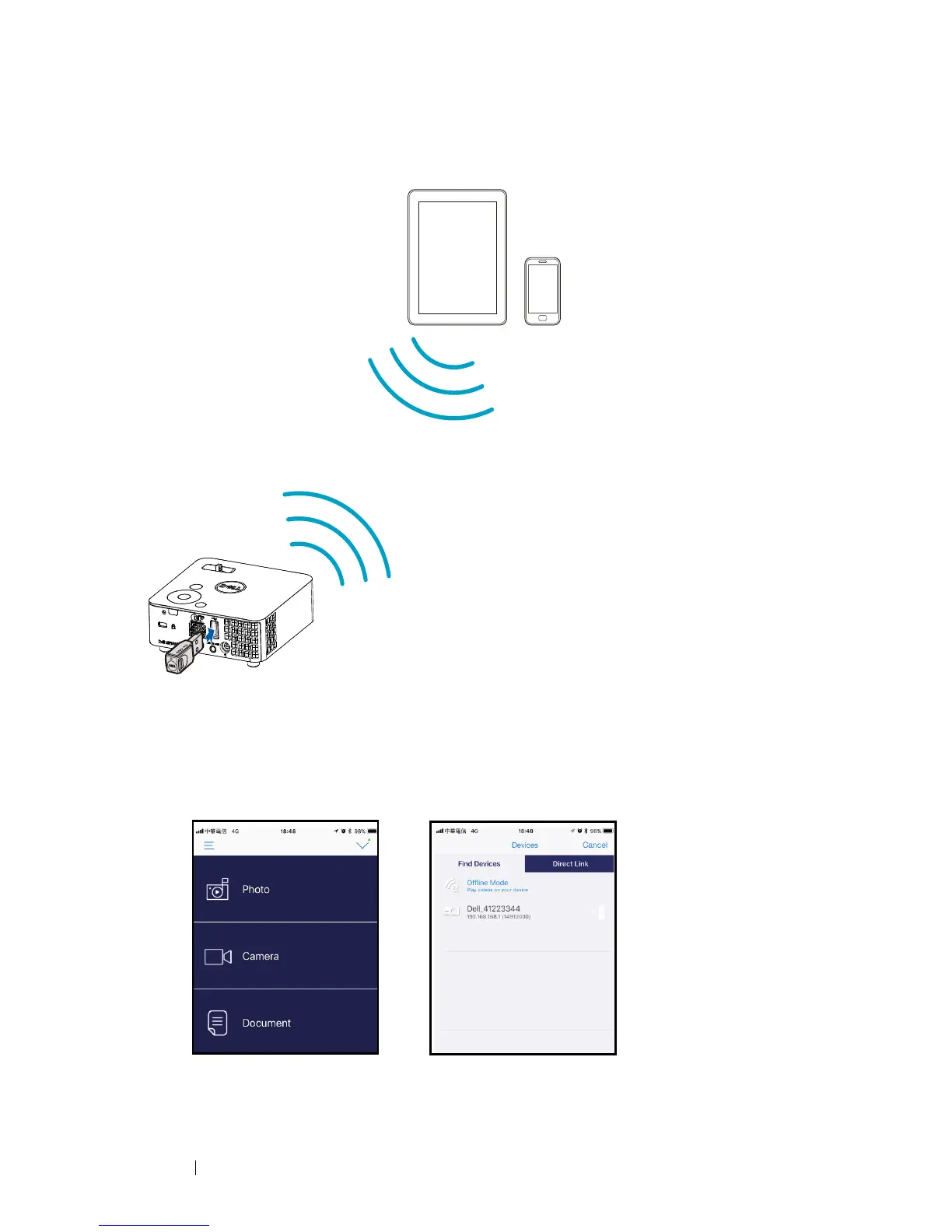
Connecting to Smartphone or Tablet Using Optional Wireless Dongle
1
Install application
EZCast Pro
on your android or iOS device. In your
device’s wireless menu, search for the projector by its ID. Then enter the
PSK at the prompt to start sharing the same network with the projector.
2
Launch the
EZCast Pro
application then click the top-right button to
choose the device you connected with.
FCC ID:
SUZ-WU5205C



 To Next Page