26 Using Your Projector
3
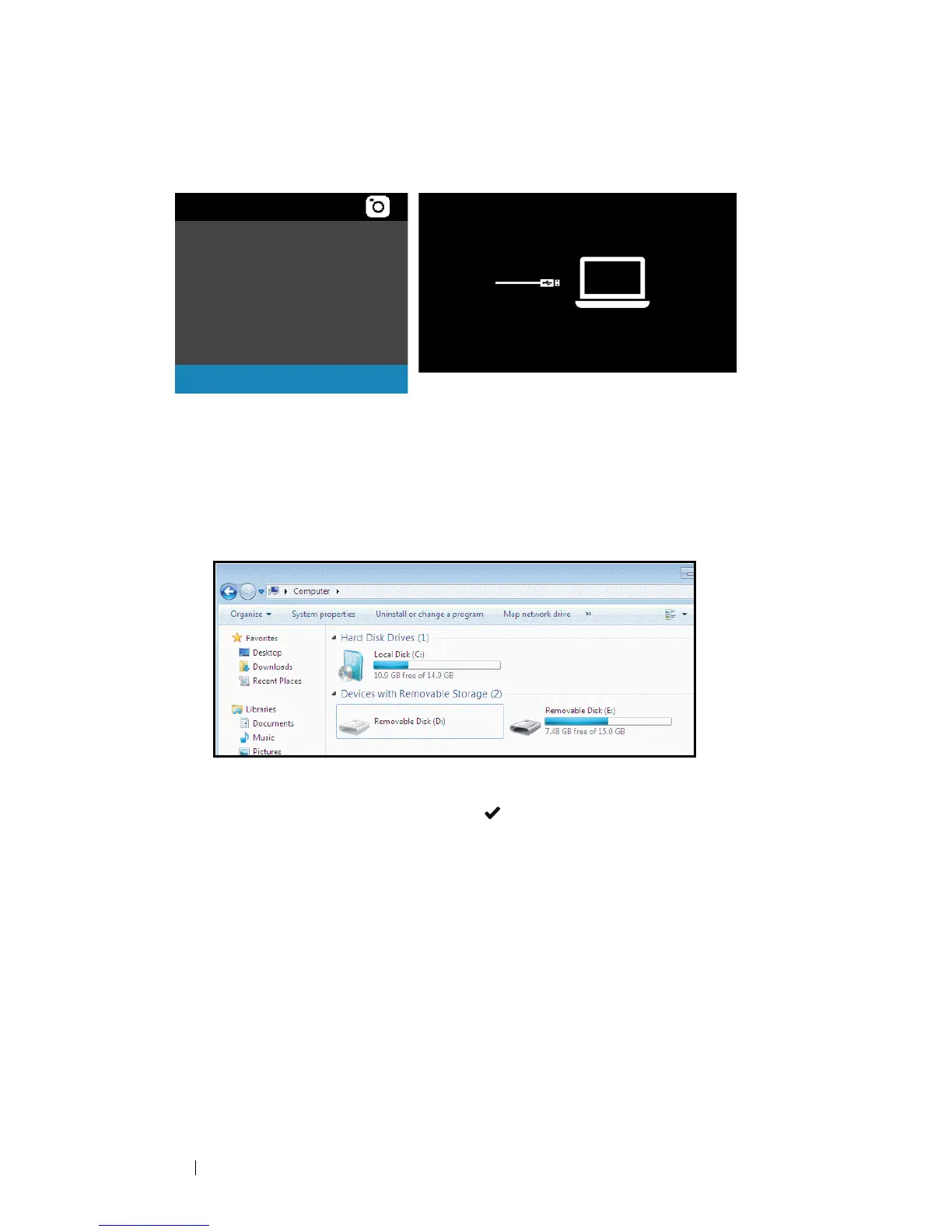
Select
Storage Mode
to access the internal memory as
Removable Disk
.
4 To copy files to the projector's Internal Memory, first open a file explorer
window. Go to Computer and locate a Removable Disk. This refers to
the Internal Memory of the projector. You may copy files to the Internal
Memory. This will allow you to project the files directly from the projector
in the future, without needing a computer. For supported file types,
please refer to page 24.
To project a file from the Internal Memory, select one from
Video
,
Music
,
Photo
, or
Document
, then press the button to start playing. Or select
the
Setup
option to change multimedia settings.
Internal Memory
Video
Music
Photo
Document
Storage Mode
Setting



 To Next Page