30 Using Your Projector
The
Settings Screen
shown below appears:
NOTE: This is used for firmware upgrade via USB.
Setting up to Present Using External USB Storage
NOTE: A USB flash disk must be plugged into the projector if you
want to use the multimedia USB function.
Follow these steps to playback the
Photo
,
Video
, or
Music
files on your
projector:
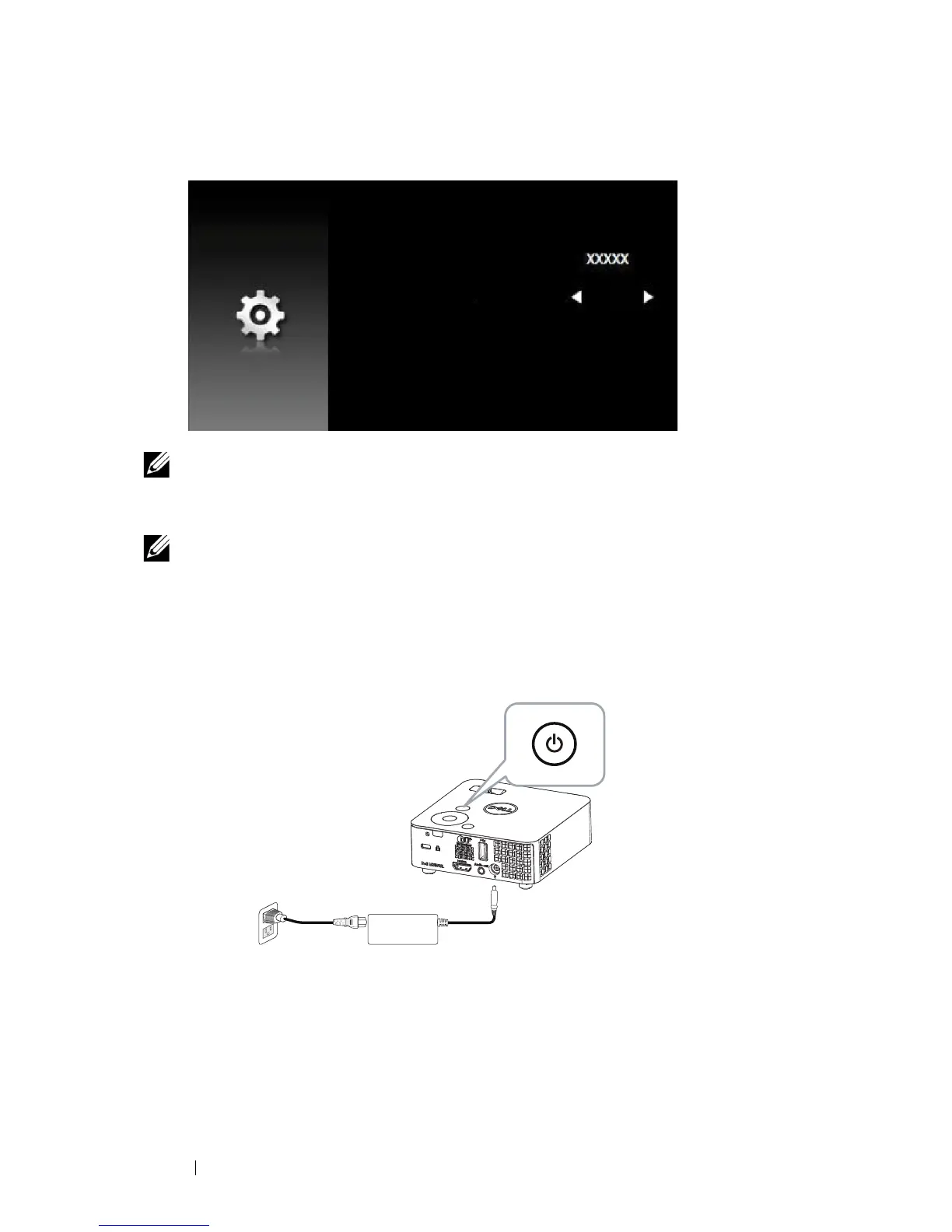
1
Connect the power cable with AC adapter and turn on the projector by
pressing the power button.



 To Next Page