Using Your Projector 41
Powering Your Projector
1
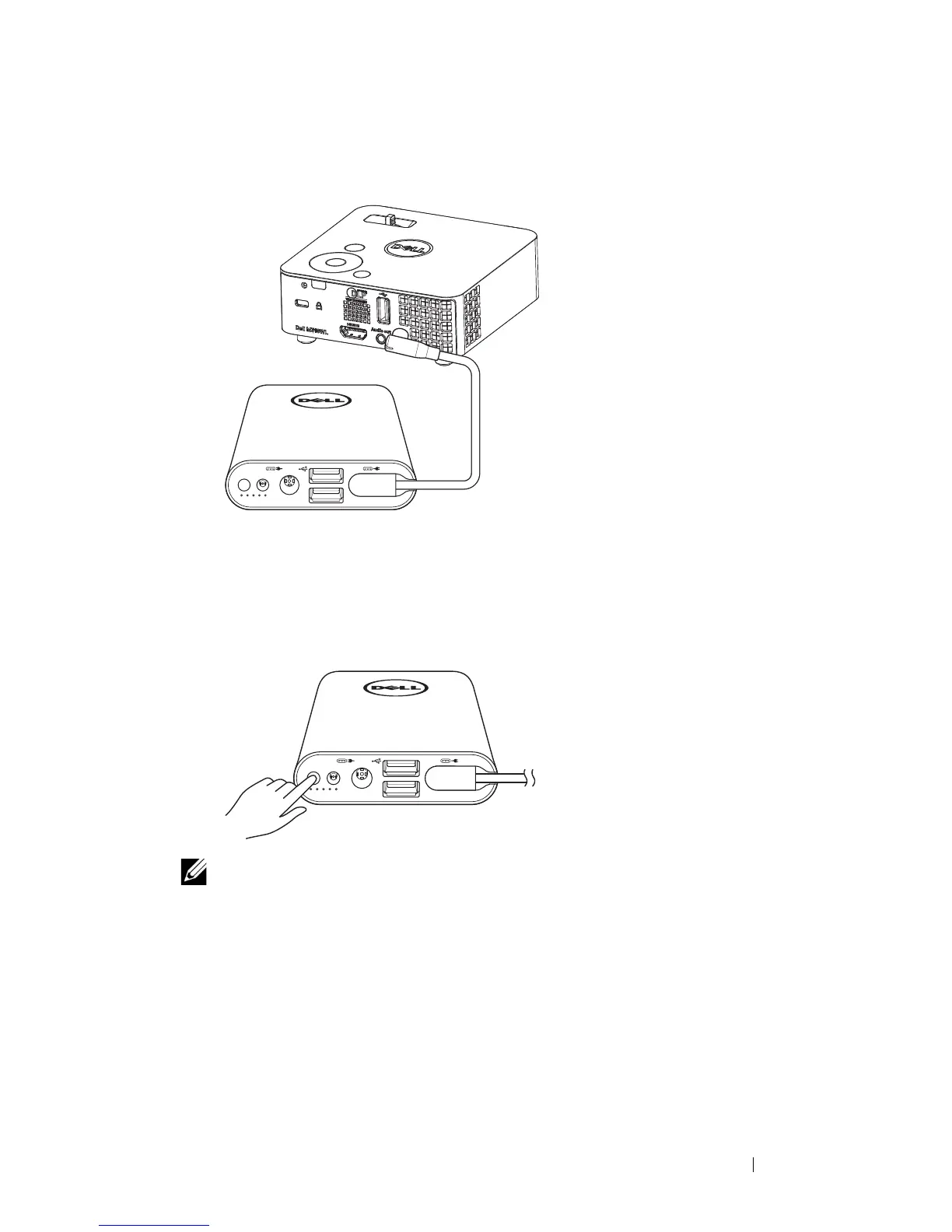
Connect one end of the power-output cable to the power-out port of the
power companion.
2
Connect the other end of the power-output cable to the DC input
connector of your projector.
3
Press the power button to start powering your projector.
NOTE: The battery-status light blinks amber when the power
companion battery is low.



 To Next Page