Operating the Monitor | 45
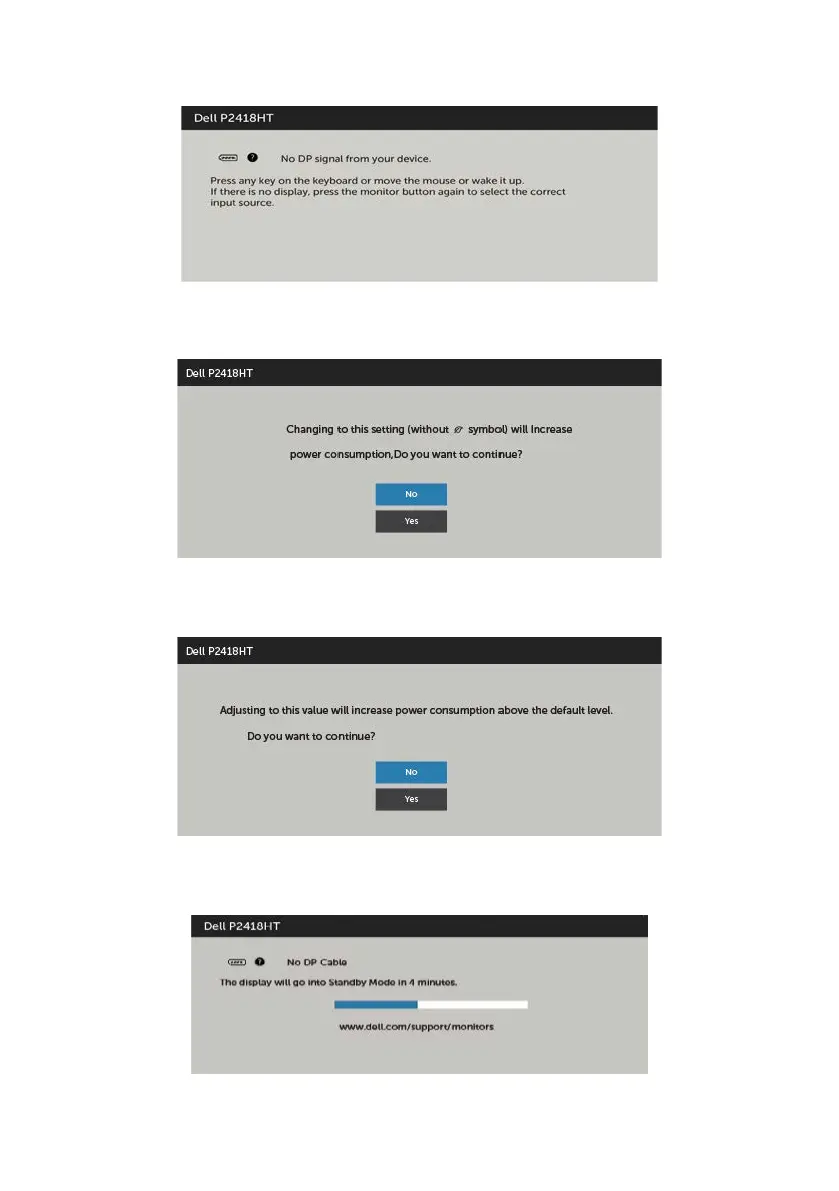
If you press any button other than the power button, the following messages will appear
depending on the selected input:
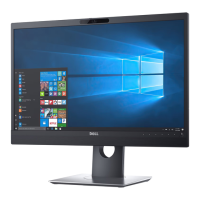
Select OSD items of On in Standby Mode in Personalize feature, the following message
will appear:
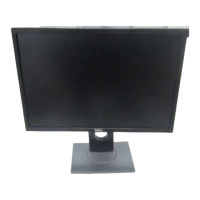
If adjust the Brightness level above the default level over 75%, the following message will
appear:
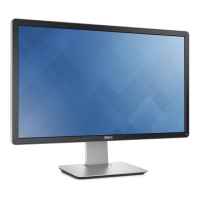
If either DP, VGA, HDMI input is selected and the corresponding cable is not connected,
a floating dialog box as shown below appears.
or


 To Next Page