視圖
正面
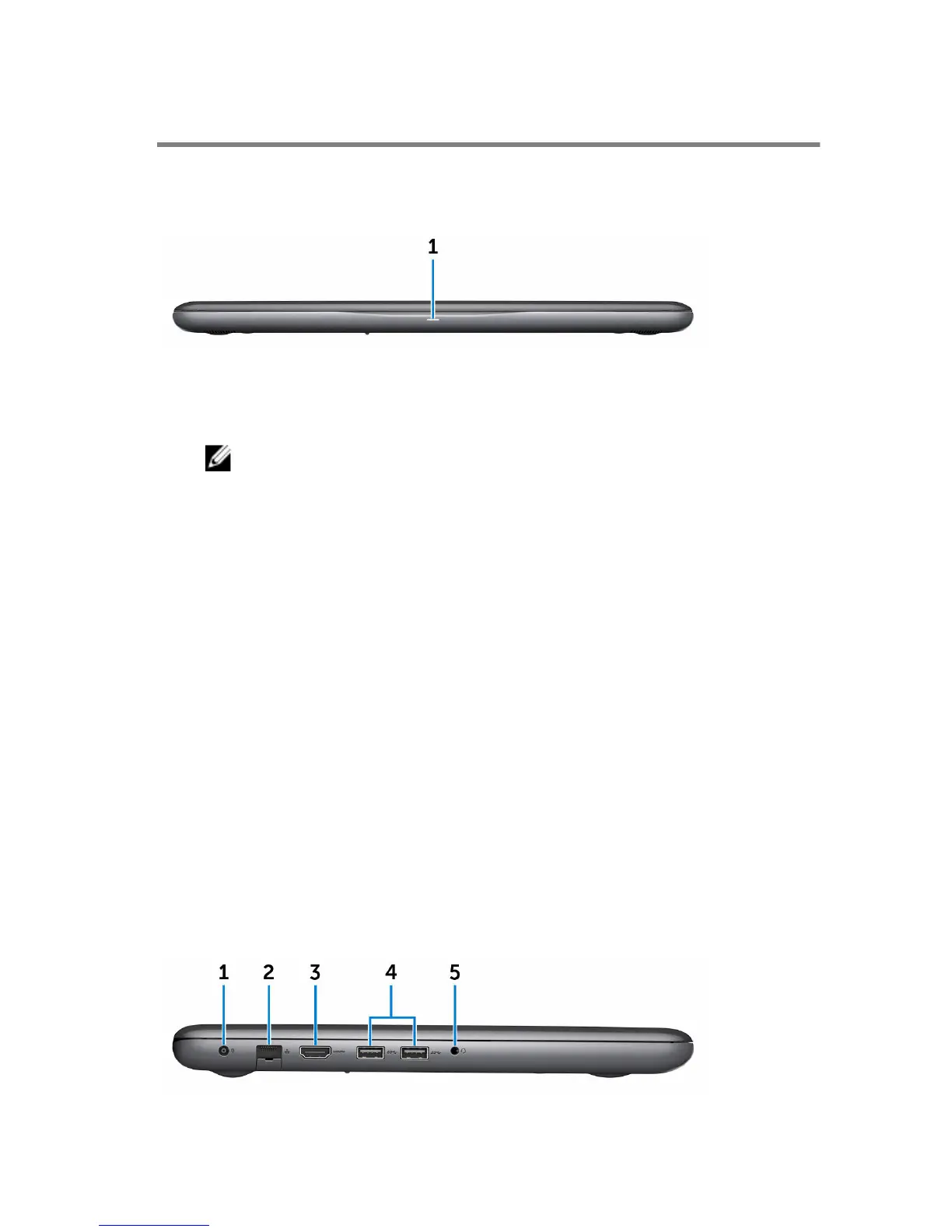
1 Power and battery-status light/hard-drive activity light
Indicates the battery-charge status or the hard-drive activity.
註: Press Fn+H to toggle this light between power and battery-
status light and hard-drive activity light.
Hard-drive activity light
Turns on when the computer reads from or writes to the hard drive.
Power and battery-status light
Indicates the power and battery-charge status.
Solid white — Power adapter is connected and the battery has more
than 5% charge.
Amber — Computer is running on battery and the battery has less than
5% charge.
Off
– Power adapter is connected and the battery is fully charged.
– Computer is running on battery and the battery has more than 5%
charge.
– Computer is in sleep state, hibernation, or turned off.
向左
8



 To Next Page