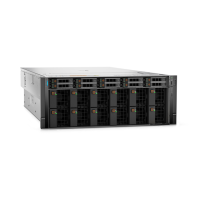
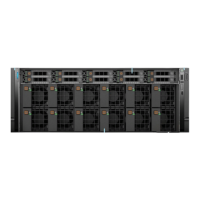
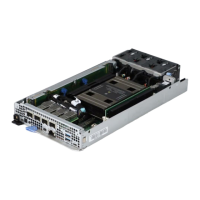
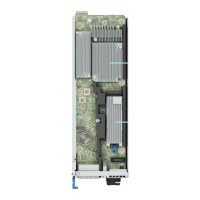
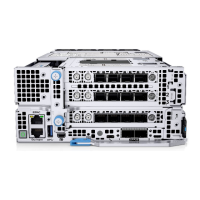
Figure 80. Removing the PSB module
Next steps
1. Replace the PSB module.
Installing the PCIe Switch Board module
Prerequisites
1. Follow the safety guidelines listed in the Safety instructions.
2. Follow the procedure listed in the Before working inside your system.
3. Remove the front top cover.
4. Remove the cooling fan cage assembly.
5. Remove the air shroud .
6. Remove the drives.
7. Observe and disconnect the drive backplane cables from the connector on the system board and backplane.
8. Slide out the drive cage.
9. If required, remove the front PERC module.
10. Remove the PSB top cover.
11. Observe and disconnect the cables connected to PSB module from system board.
Steps
1. Align the PSB module with the connector on the PBB.
2. Insert the PSB module firmly into the PBB until seated.
3. Push the PSB handle toward the front of the chassis, to engage it with PBB slot.
114
Installing and removing system components


 To Next Page
 Loading...