21. track stick buttons (3)
22. track stick
23. caps lock LED
24. device status lights
25. volume control buttons
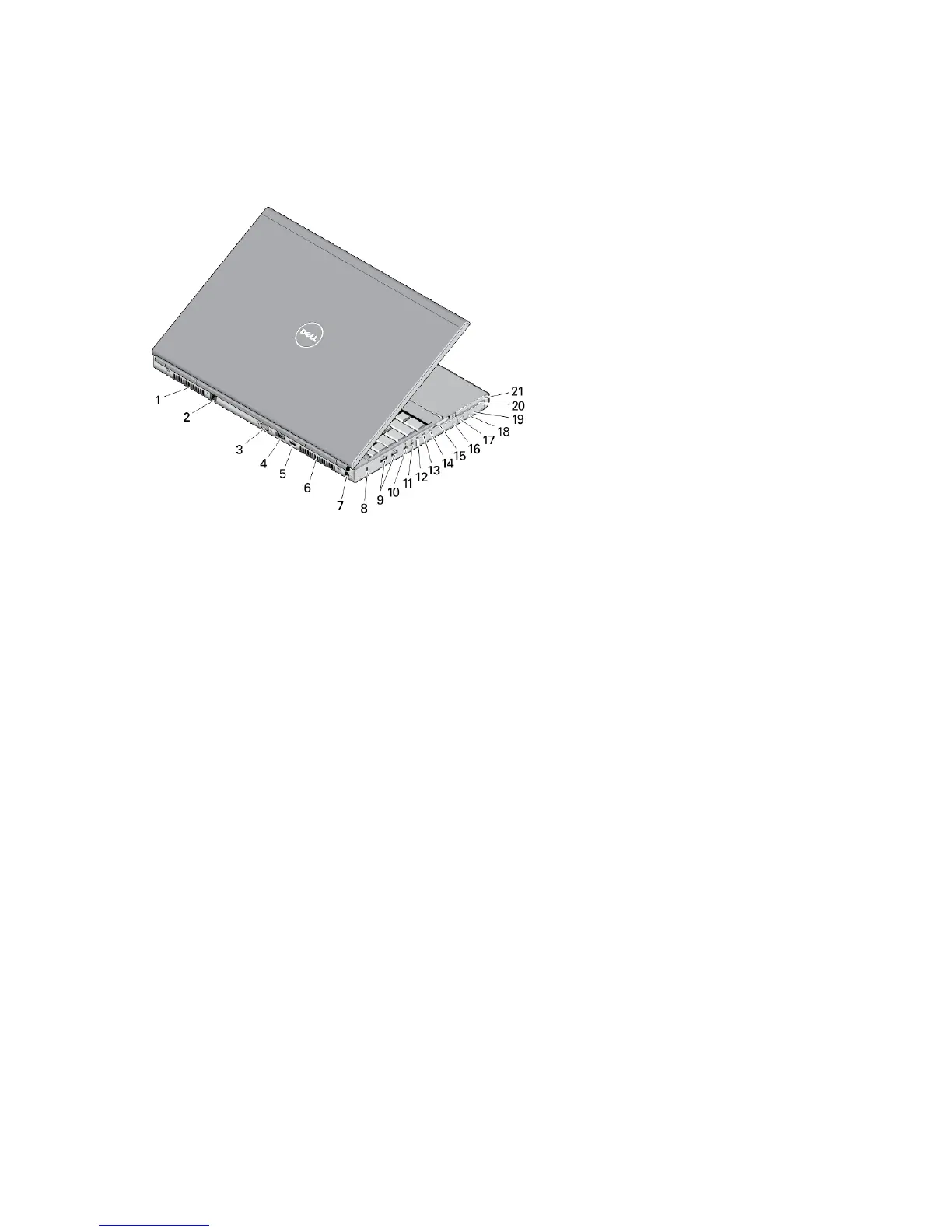
Figure 2. Back View
1. cooling vent
2. network connector
3. VGA connector
4. eSATA/USB 2.0 connector
5. HDMI connector
6. cooling vent
7. power connector
8. security cable slot
9. USB 3.0 connectors (2)
10. microphone connector
11. headset connector
12. hard-drive status light
13. battery status light
14. power light
15. memory card slot
16. optical-drive status light
17. optical-drive eject button
18. optical-drive eject hole
19. optical drive
20. smart card reader slot (optional)
21. ExpressCard slot
2















 To Next Page