10
Selecting the operations
How to Program the delayed stop function: From the ON Position
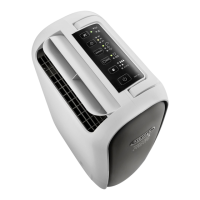
1) Press the button and use the + or - button to set the number of hours after which the
appliance should stop functioning.
2) The left side the display will show the number of hours after which the appliance should stop
the operation (1-24h) and a small dot under the symbol indicates that the timer func-
tion has been selected.
3) When the selected time is reached, the appliance will stop working.
• The safety device has
been activated
• The safety device has
been activated


 To Next Page