30
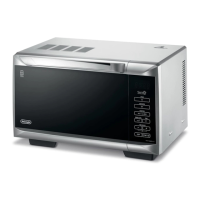
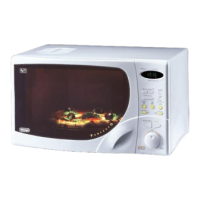
DESCRIPTION OF CONTROLS
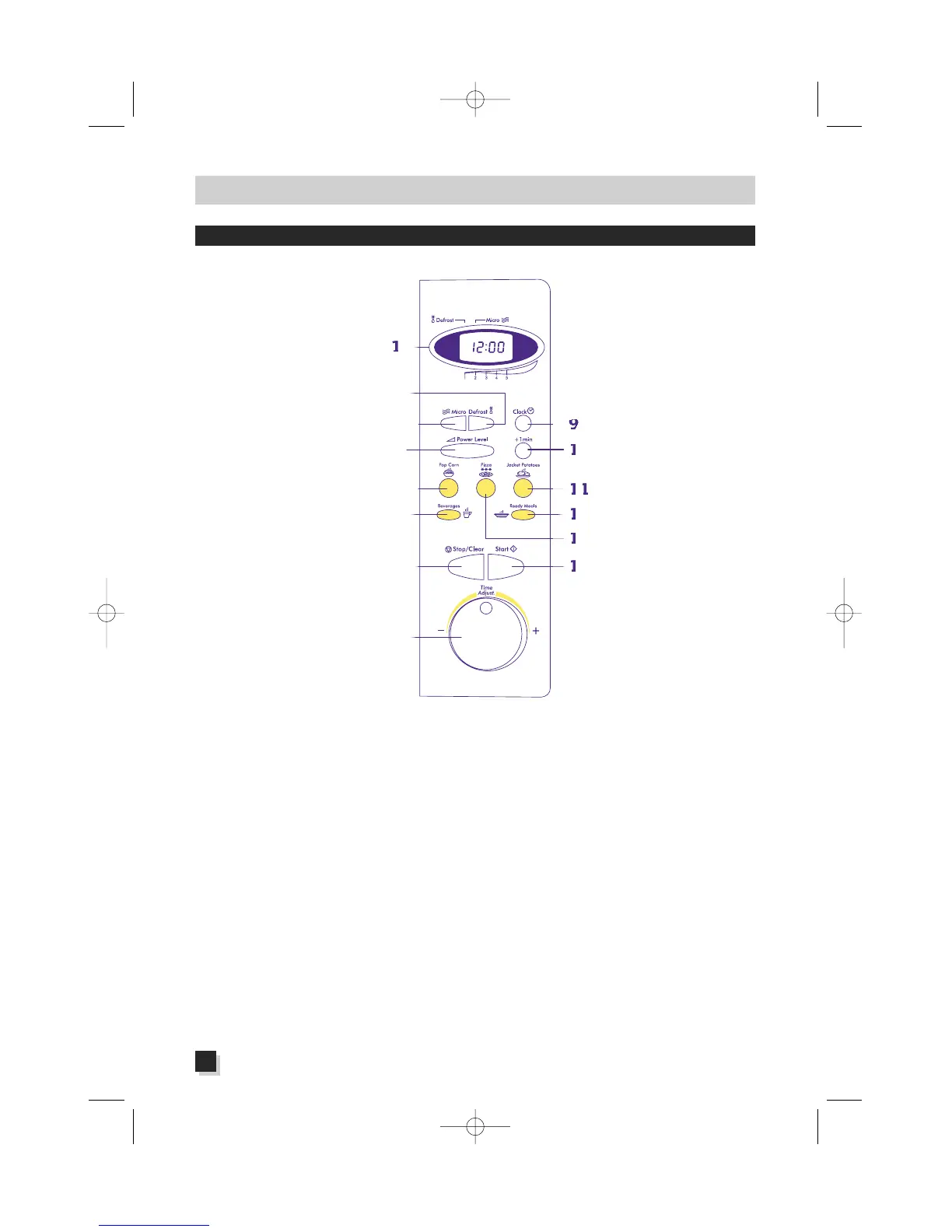
1. Display
The control panel shows a
24-hour clock, the pre-set
cooking times, the func-
tions chosen (upper indica-
tors) and the microwave
level selected (lower indi-
cators).
2. Defrost button:
automatic thawing
Push this button to thaw
foodstuffs.
3. Micro button:
microwave cooking
Push this button to cook or
heat foodstuffs.
4. Power Level button:
Microwave power level
Push this button to select
the microwave power level
required.
5 - 6 - 11 - 12 - 13:
"Quick Menu" button
Push one of these buttons
to make popcorn, baked
potatoes, warm beverages,
ready-to-serve dishes,
fro-
zen pizza and pre-cooked
frozen food
.
7.Stop/Clear button:
Cancelling a function
Push this button to stop
the cooking or to cancel
the pre-set cooking times.
8.Timer knob:
Cooking times
Use this knob to set the
cooking time or the time
of day.
9.Clock button:
Clock adjustment
Push this button to set the
correct time of day and to
get a view of the clock
while the oven is working.
10. One-minute button
Press this button to set
exactly one minute of
microwaving at max
power level. Each addi-
tional touch of this button
will increase the set time
by 30 seconds, up to a
maximum of 6 minutes.
14. Start button
Press this button to turn
the oven on, but only
after you selected the
function and the cooking
times.
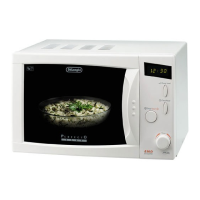
MODEL WITH A 23-litre CAVITY


 To Next Page