Chapter 3 Creating and Editing Programs|DOP-EXIO Series
3-22
Revision March, 2008, Doc. Name: 2007PDD23000014
Edit Device Comments
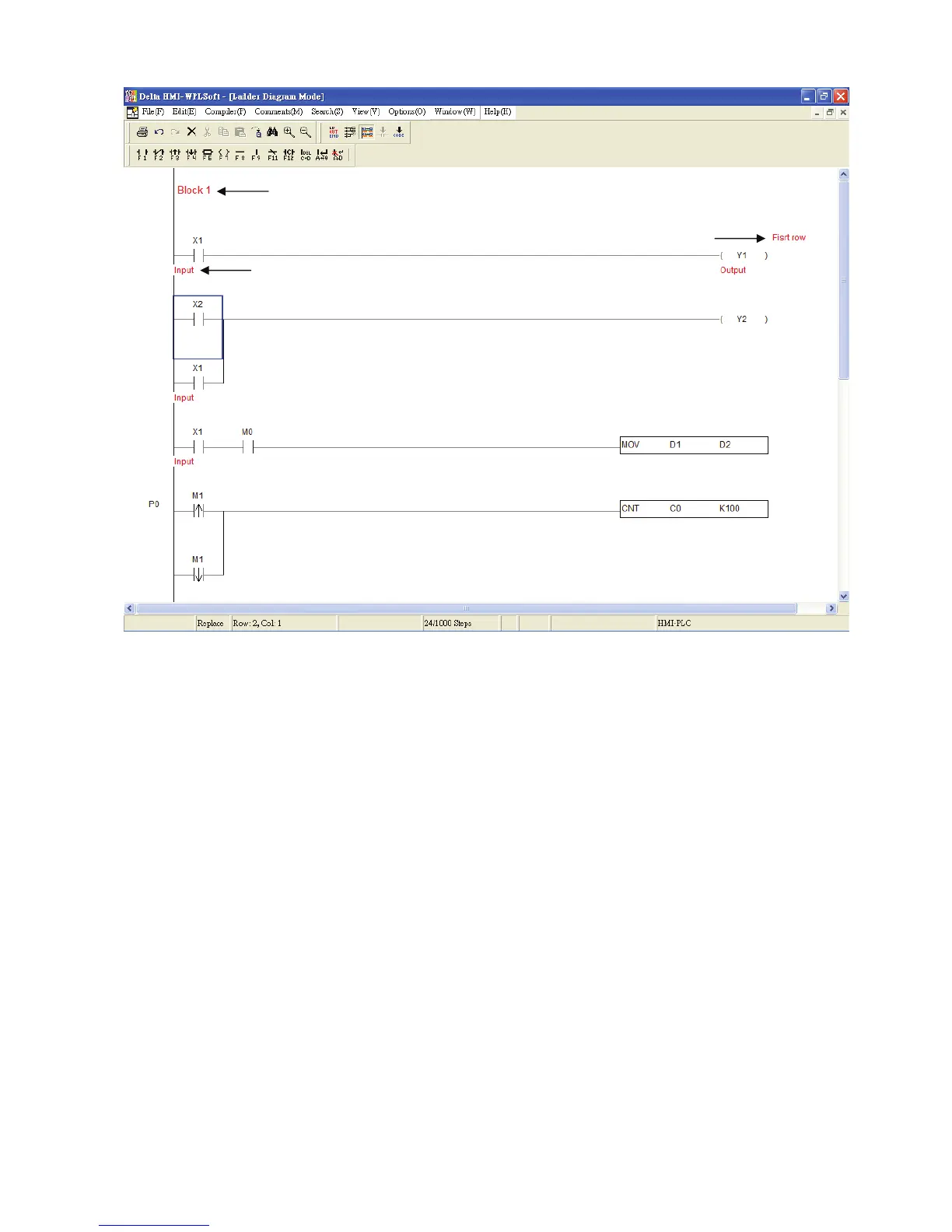
Move the editing block on the desired device and right click the mouse. The pop-up
menu box shown on the following figure will appear. From this pop-up menu, choosing
“Edit Device Comments” can enter and edit device comments. After editing the
comments is completed, press “Enter” key on the keyboard or click the “OK” button by
using the mouse to have the record saved.
Segment Commnets
Device Comments
Row Comments



 To Next Page