Chapter 3 Creating and Editing Programs|DOP-EXIO Series
3-24
Revision March, 2008, Doc. Name: 2007PDD23000014
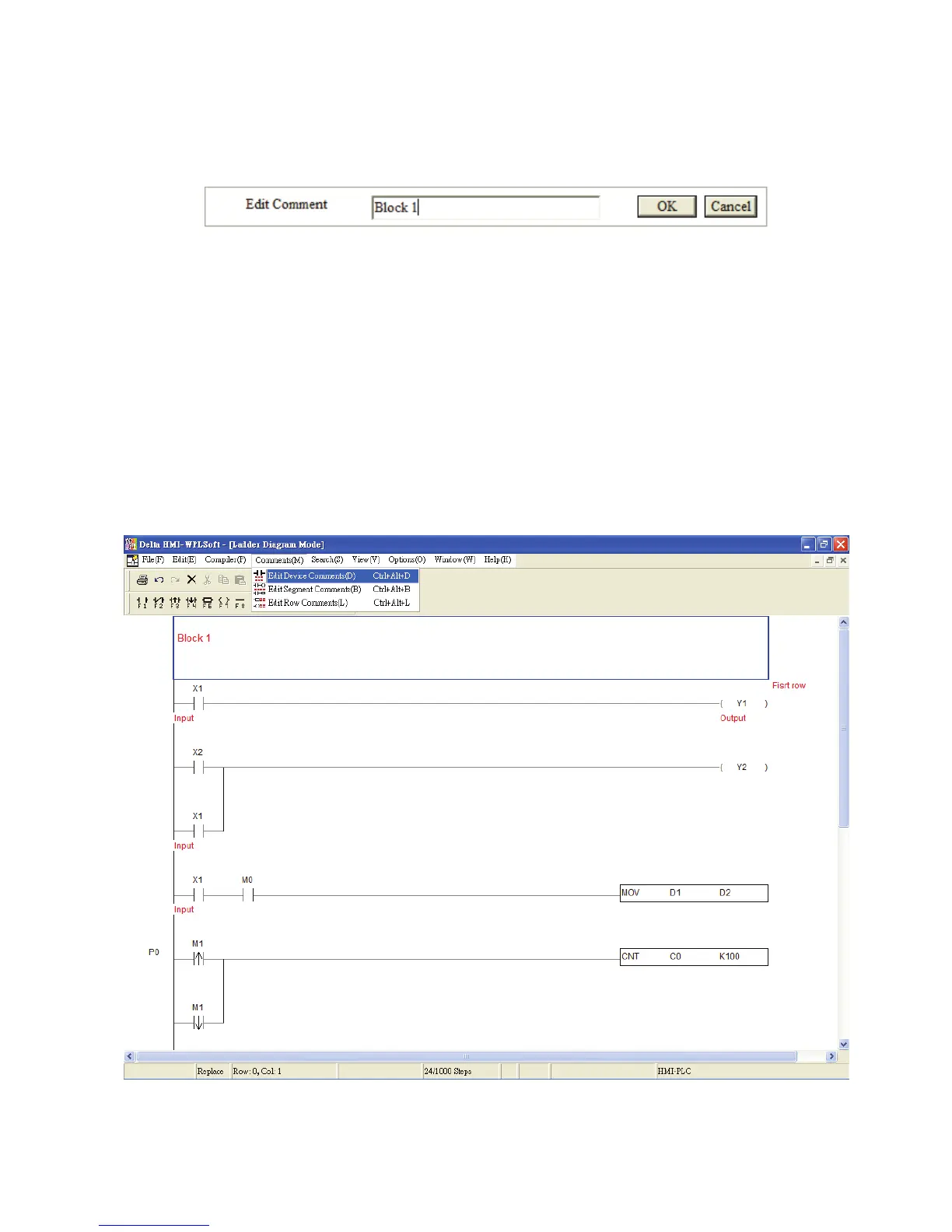
Edit Segment Comments: (Only for ladder diagram mode)
After editing the segment comments is completed, press the “OK” button to save the
settings.
3.6 Edit Device Comments
In the Ladder Diagram Mode and Instruction Mode, the user can set the comments to be
displayed in the device.
Method 1:
1. First, choose to enter the Ladder Diagram Mode (or Instruction Mode). Move the editing
block on the desired device. From the “Comments” menu, choose “Edit Device
Comments(D)” or use the keyboard shortcuts by pressing keys (Ctrl) + (Alt) + (D).



 To Next Page