Chapter 3 Creating and Editing Programs|DOP-EXIO Series
3-26
Revision March, 2008, Doc. Name: 2007PDD23000014
3.7 Edit Row Comments
Method 1:
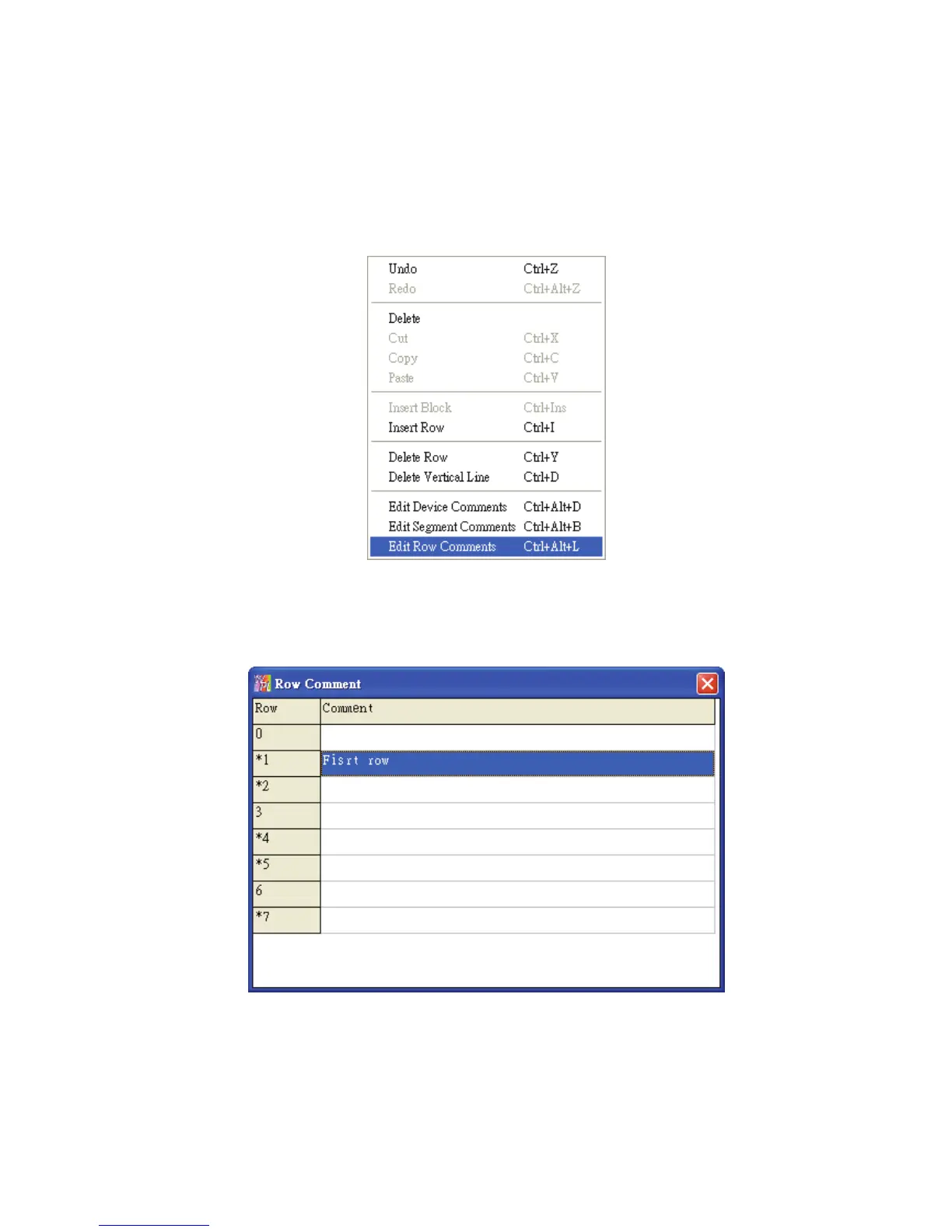
1. Move the editing block to the desired row. Right click the mouse and the pop-up menu
below will appear. Select “Edit Row Comments” to add and edit comments into the row.
2. After clicking on “Edit Row Comments”, the following dialog box will appear. Then, the user
can add and edit several row comments at the same time. After the comments editing is
completed, close this dialog box to save the edited comments.
Method 2:
Move the editing block on the desired device. From “Comments” menu, choose “Edit Row
comments(L)” or use the keyboard shortcuts by pressing keys (Ctrl) + (Alt) + (L). The “Row
comment” dialog box will appear. Then, the user can enter the comments in each row. After
the row comments editing is completed, close this dialog box to save the edited comments.



 To Next Page