Chapter 3 Creating and Editing Programs|DOP-EXIO Series
Revision March, 2008, Doc. Name: 2007PDD23000014 3-29
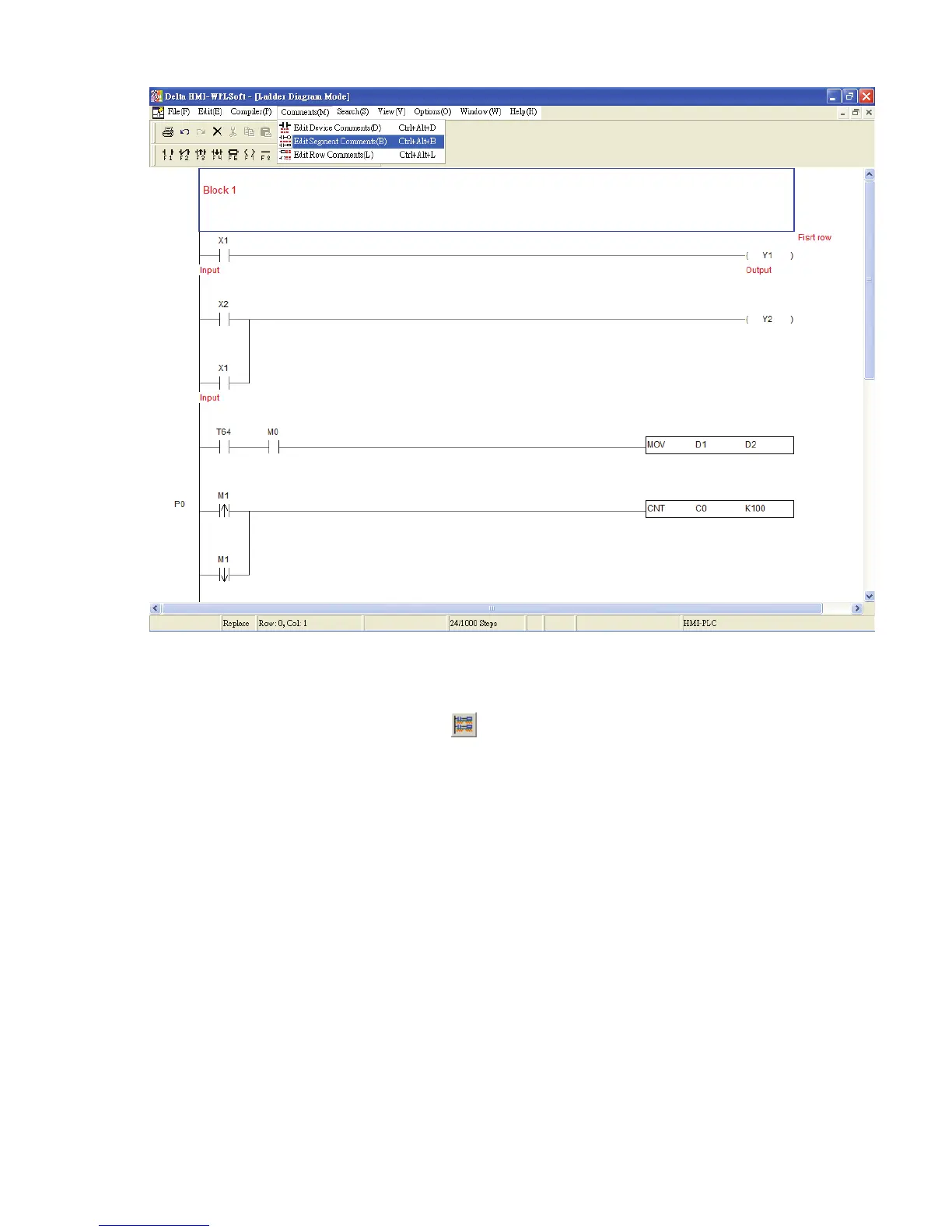
Show or Hide Comments
The user can show and hide the comment by clicking “View(V)” > “Show
Comments(M)” or clicking the icon
on the toolbar. However, this function is
provided for device comments and row comments only. The user cannot show and hide
segment comments by using this function. When this function is enabled, the height of
the ladder diagram will become higher in order to display the comments.



 To Next Page