
 Need help?
Do you have a question about the Deltaco Gaming GAM-100-DE and is the answer not in the manual?
Mapping of function keys (F1-F12) and special key combinations like Print Screen, Scroll Lock, and Pause Break.
Describes how modifier keys (e.g., Caps Lock, FN) alter keyboard functions, including Windows key lock and custom FN key behavior.
Details on FN key combinations for volume control, sound mute, and backlight brightness adjustments.
Instructions for changing backlight modes and colors using FN key combinations.
Guidance on adjusting backlight brightness and animation speed using arrow keys.
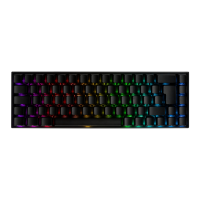
Information on the 20 available LED modes and static indicators for Caps Lock and Win Lock.
Steps for connecting the keyboard via USB-C cable or pairing with the 2.4 GHz USB receiver.
Instructions for pairing up to three Bluetooth devices and switching between them.
 General
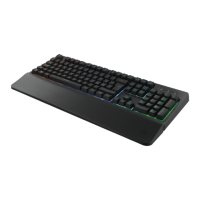
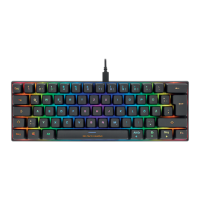
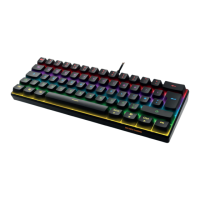
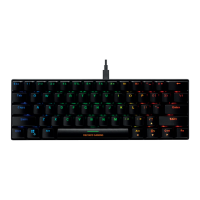
| Device Type | Keyboard |
|---|---|
| Switch Type | Outemu Blue |
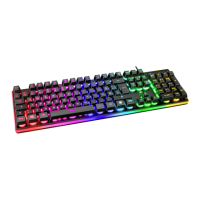
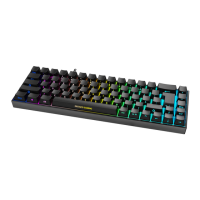
| Backlight | RGB |
| Key Rollover | N-Key Rollover |
| Type | Mechanical |
| Connection | USB |


 To Next Page