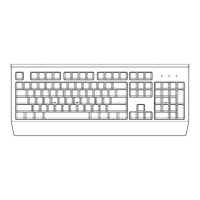
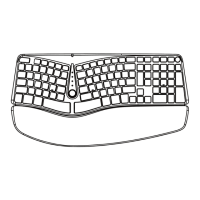
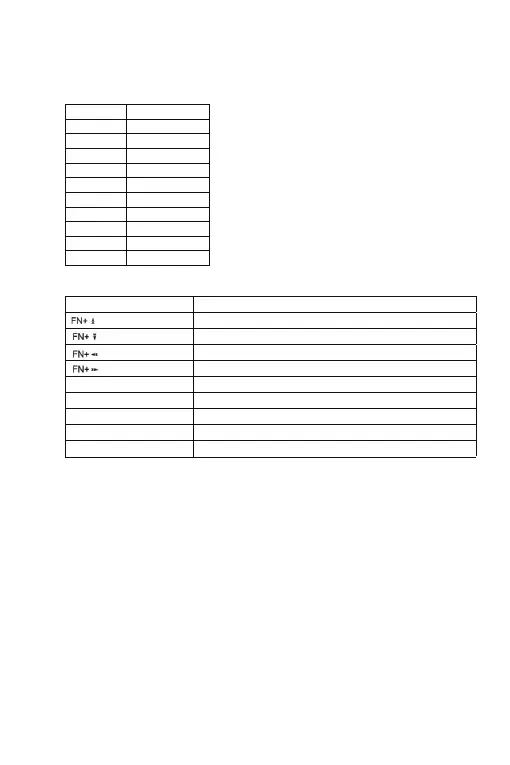
A.Multimedia Keys Functions
B.Backlight Control
Usage and Precautions
5.
Function
4.
· Pay attention to clean the dust regularly, to extend the lifetime of the
keyboard switch.
· Pay attention to moisture proof, because of the electronic PCB, easy to
cause the product damage by water wet.
· Pay attention to not break down when using, violence using is the mail
factor to reduce the lifetime of such kind product.
· Pay attention to anti-exposure when using, strong sunlight can cause
the keyboard shell color faded.
FN+F1 My computer
FN+F11 Volume up
Backlight mode shift (8 modes)
Backlight transform speed -
Backlight transform speed +
Exhange the function between W, A, S, D and
Turn off/Turn on the backlight
Control the light on/off for each key
→
→
→
→


 To Next Page
 Loading...