
 Need help?
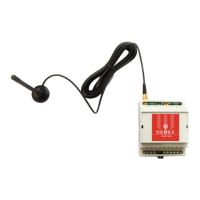
Do you have a question about the Demex Easy GSM and is the answer not in the manual?
Disconnect the power supply and any backup battery before proceeding with the update.
Remove the protective cover from the GSM module to access internal components.
Make a short circuit connection between the D1 and D2 pins to initiate the update mode.
Turn on the power supply after preparing the module for the firmware update.
Locate the 'Boot Disk' drive that appears after connecting the device and powering it on.
Delete the existing .bin firmware file from the 'Boot Disk' drive.
Download the new firmware .bin file from the Demex site and replace the older file.
Disconnect the power supply, unplug the USB cable, and reconnect power for 7 seconds.
Remove the short circuit from D1 and D2 pins, then power up the device to complete the upgrade.
 General
| Brand | Demex |
|---|---|
| Model | Easy GSM |
| Category | Control Unit |
| Language | English |

 To Next Page