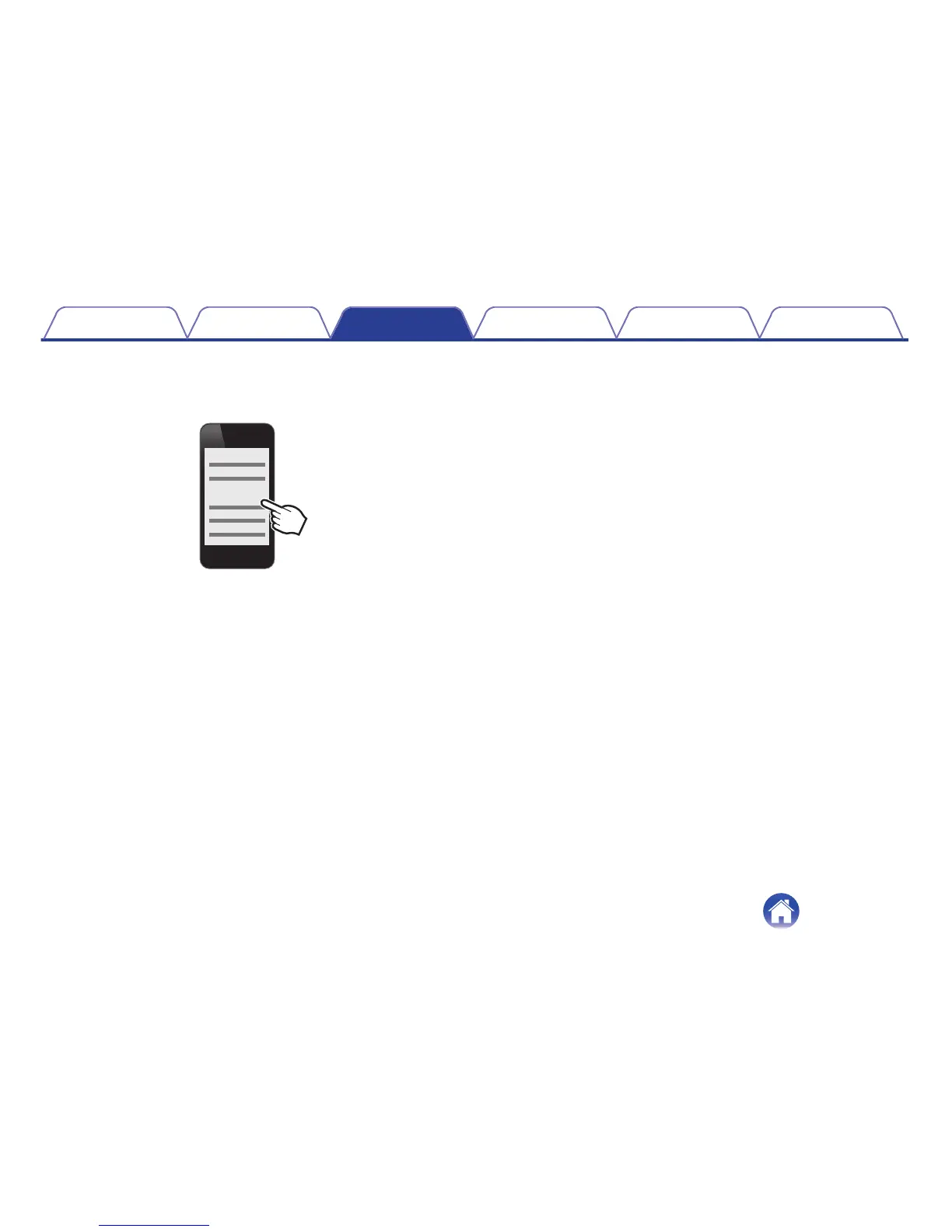
3
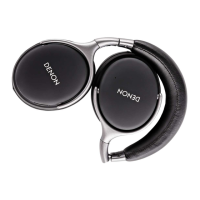
Turn on the Bluetooth function of the 1st Bluetooth
device, and select “DENON AH-GC20” from the list of
devices displayed on the screen
.
0
This procedure connects two Bluetooth devices to the
headphones.
o
Switching Bluetooth playback devices
1
Stop or pause playback on the current playback device
2
Start playback on the device that you want to listen to
o
Call standby
Simultaneous call standby is possible, but the device that receives the call
first takes priority. Calls cannot be made simultaneously.
Contents Preparation Connections
Operation
Troubleshooting
Appendix
18


 To Next Page
 Loading...