o
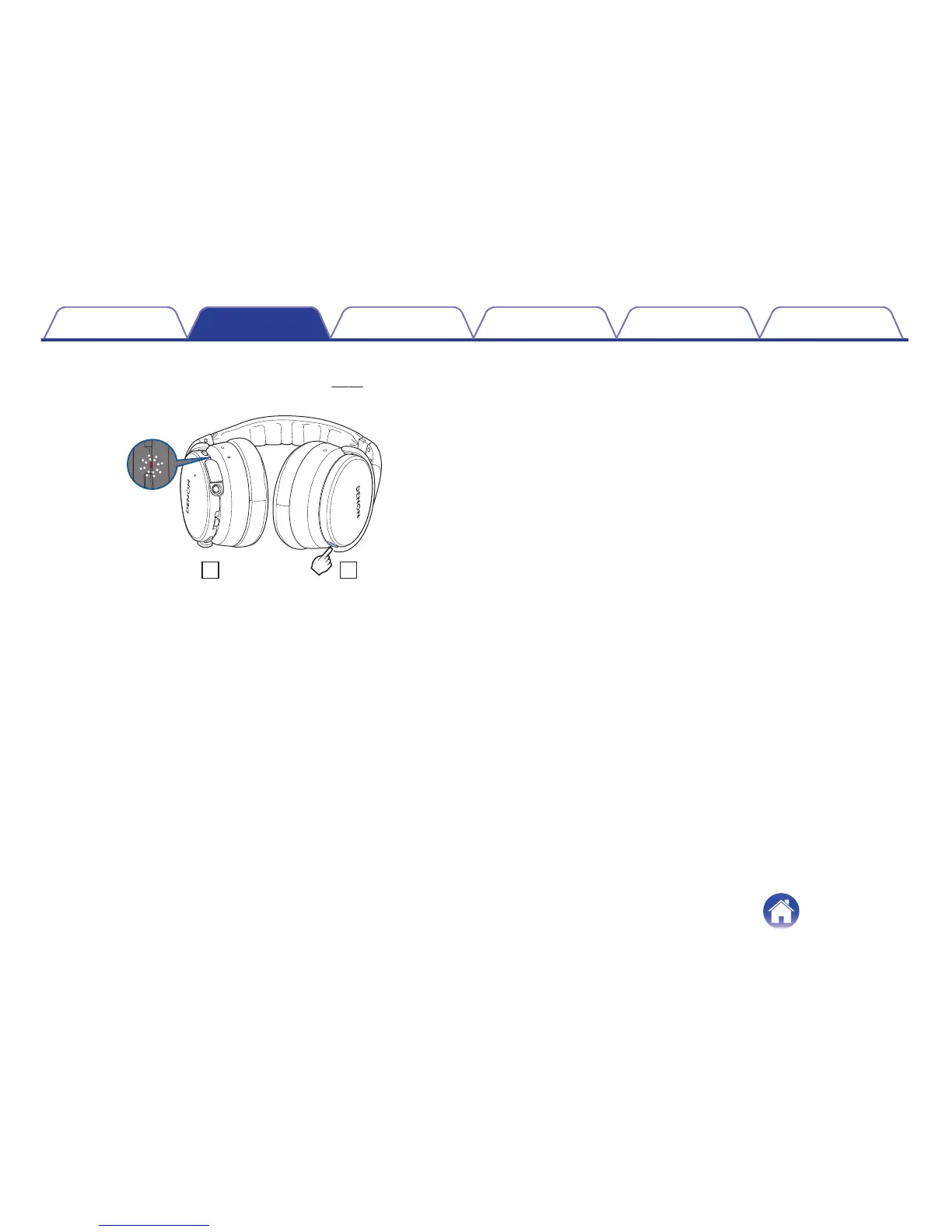
Checking the remaining battery power
When the power is on (“Turning the power on” (v p. 15)), press the
Call button twice to check the remaining battery power.
.
Remaining battery Indicator Beep sound
90 – 100 % Blinks four times Four times
60 – 89 % Blinks three times Three times
30 – 59 % Blinks twice Twice
10 – 29 % Blinks once Once
0
The remaining battery power cannot be checked when a phone call is in
progress.
0
When the amount of remaining battery is running low, the indicator
flashes red at three second intervals together with a beeping sound.
0
If the battery runs out during use, a beeping sound is heard and the
power of the headphones turns off.
Contents
Preparation Connections
Operation
Troubleshooting
Appendix
8



 To Next Page
 Loading...