ENGLISH
Getting Started Playback Other Functions Troubleshooting SpecificationsSystem Functions
Cables Used for Connections
Select the cables according to the equipment being connected.
NOTE
• Do not plug in the power cord until all connections have been
completed.
• When making connections, also refer to the operating instructions of
the other components.
• Be sure to connect the left and right channels properly (left with left,
right with right).
• Do not bundle power cords together with connection cables. Doing
so can result in humming or noise.
Connections
Preparations
For system connections, also see the section “System Functions”
(
vpage
14).
Optical digital connections
Optical cable (sold separately)
Analog connections (stereo)
(White)
(Red)
Stereo pin-plug cable (supplied)
System connections
System cable (supplied)
iPod connections
iPod cable (sold separately)
Amplifier
CD recorder /
MD recorder
n When connecting the optical digital output connector
with an optical transmission cable (sold separately)
Match the shapes
Match the shapes then insert firmly all the way in.
Analog Connections Digital Connections
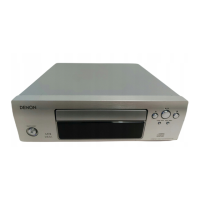
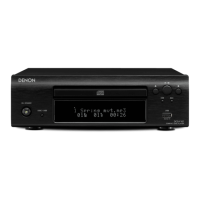
When connecting the DCD-F107 and DRA-F107 (receiver, sold
separately), also make system connections, in addition to the
connections above.
Making system connections enables operation of the DCD-F107
using the remote control unit included with the DRA-F107 as well
as a number of system functions.
(vpage 14 “System Functions”)
Connections


 To Next Page
 Loading...