Porsche
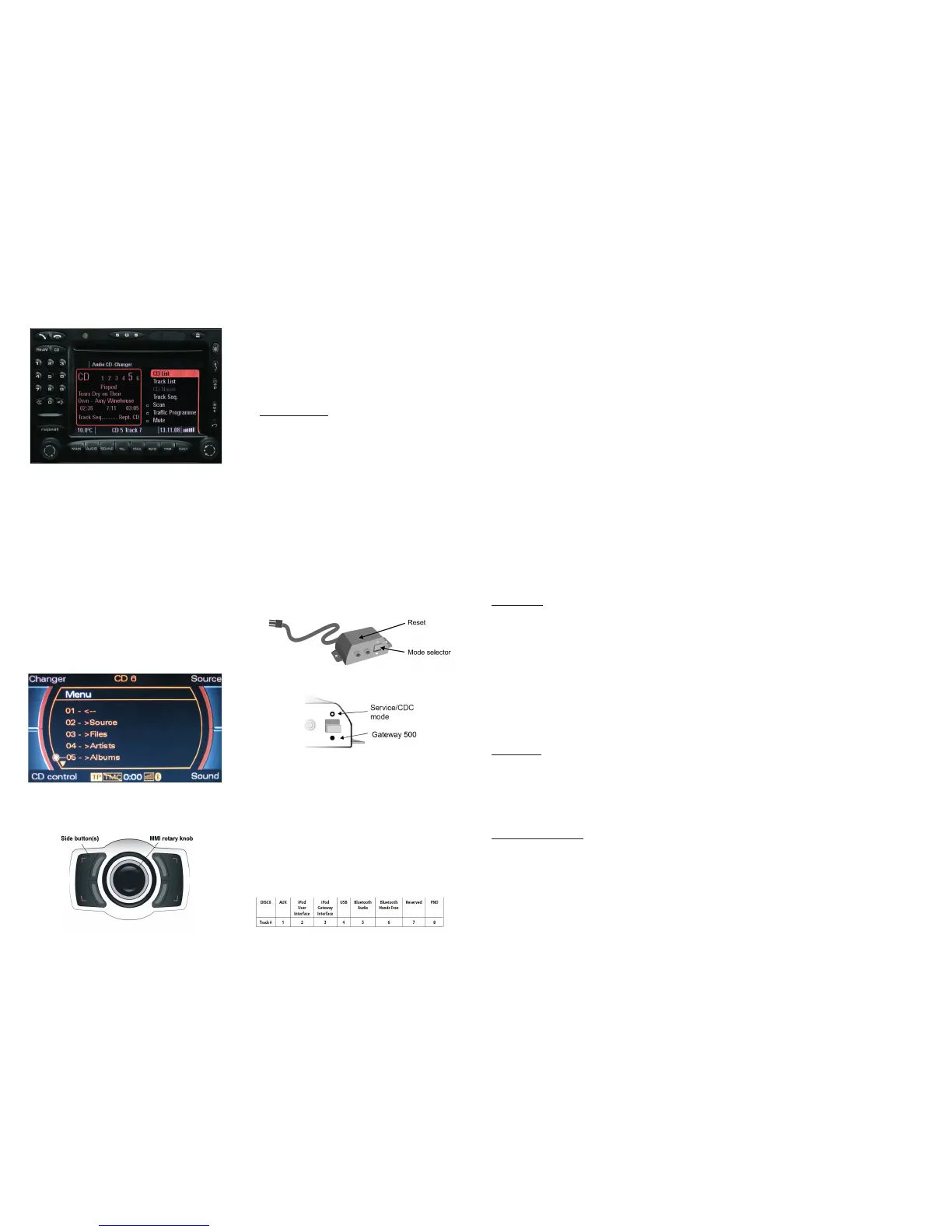
The menu of the Gateway is displayed on the PCM head unit:
You can enter the Gateway’s menu by selecting “CD List” and then
“Menu” by the right rotary knob. When you entered the menu of the
Gateway you can toggle between the different menu options by the
next (>) or previous track (<) buttons. In order to select a menu item,
press and hold (about 3 seconds) the next track (>) button. You can
get back to the previous menu level if you do the same procedure with
previous track (<) button.
The music playback and settings are controlled from the radio, but
it is also possible to select the next or the previous track from the
steering wheel (if available). For more information, please check
section #4, #5, #6 and #7!
Audi
The menu of the Gateway is displayed on the MMI screen:
You can enter the Gateway’s menu by selecting “Changer” with
the upper side button and then select “Menu” (CD1-6 or CD7-12) by
using the MMI rotary knob.
Turn left or right the MMI rotary controller for browsing and press this
knob to select a song or enter a menu. Alternatively you can use the
next track (>) button to enter or select, if you hold it for 3 seconds.
You can get back to the previous menu level, if you select the fi rst
menu item in the list (at the top) or if you press and hold the previous
track (<) button.
The music playback and settings are controlled from the radio, but
it is also possible to select the next or the previous track from the
steering wheel (if available). For more information, please check
section #4, #5, #6 and #7!
8.
AUX box
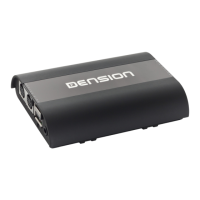
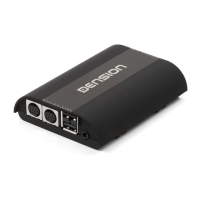
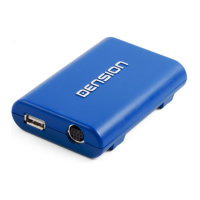
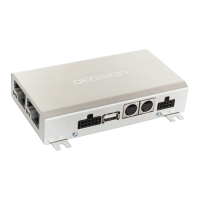
The Aux box is a convenient accessory and AUX input (Stereo RCA)
and it has a mode selector switch and a reset button. Use the mode
selector switch to toggle between ACTIVE/BYPASS mode. In active
mode the blue LED will light continuously, meaning the Gateway is
the active source. In bypass mode (LED only fl ashes), the Gateway
will be fully “invisible”, so no functions - as media playback from
iPod or the phone - will be accessible. In this mode you can reach the
original CD changer (if available) instead of the Gateway.
Use bypass mode if:
•
You want to use the original CD changer of the car
• If the car is taken to service (to avoid confl icts with diagnostic
devices)
Please note: After changing the mode switch to active or bypass
mode please turn off the whole car with closed doors for 5 minutes to
fi nalize the new setting.
10.
Disclaimer
If your car’s electrical system begins to behave in an unpredictable way
please immediately diconnect the Gateway device physically and have
it checked by your installer or an automotive electronics professional.
Dension and its authorized distributors and retailers are not liable for
any incidental consequential or indirect damages or loss and do not
assume liability for any diagnostic fees.
The use of handheld devices while driving may be subject to
government legislation. Please ensure that your use of the Dension
device complies with applicable traffi c laws. Dension does not assume
liability for any events resulting from the illegal or irresponsible use
of handheld devices during the driving. Dension reserves the right to
modify its products or specifi cations without prior notice.
11
.
Warranty
Dension devices carry a one-year limited warranty that protects
you from defects in material and workmanship of products sold by
Dension or its authorized distributors and retailers. Dension does
not warrant any installation work or assume liability for any damage
caused due to negligence, improper installation or operation. For
warranty claims, proof of purchase is required.
12
.
Update and support
If you need further assistance in using your Gateway, please contact
your local supplier or visit www.dension.com/support. Please check
the product section for the latest fi rmware version and product
documentation of your device.
Magyar nyelvű útmutatóért kérjük látogasson el weboldalunkra.
Für die deutsche Anleitung bitte unsere Webpage zu besuchen.
9. Operation in Non-Text capable cars
If your car do not support text, than instead of a Menu, you can
select a source by seting a Track# on Disc6. When you select
Disc6, the Track# will indicate the currently active source. This
may take a few seconds. Chnage the Track# and press FF to
select a new source.
This table indicates the Track# assignment to the possible
sources:
To browse the content of the connected device in non-text
mode, you need to use the same controls as you see in section
#6.
In non-text mode, you can switch between the first tracks of
each playlist/folder after you pressed Disc1. With the fast
forward you can selected the playlist which actually heared
through the speakers.
You can do the same with Artists after pressing Disc2 or with
Albums after pressing Disc3.


 To Previous Page
 Loading...