8. Troubleshooting
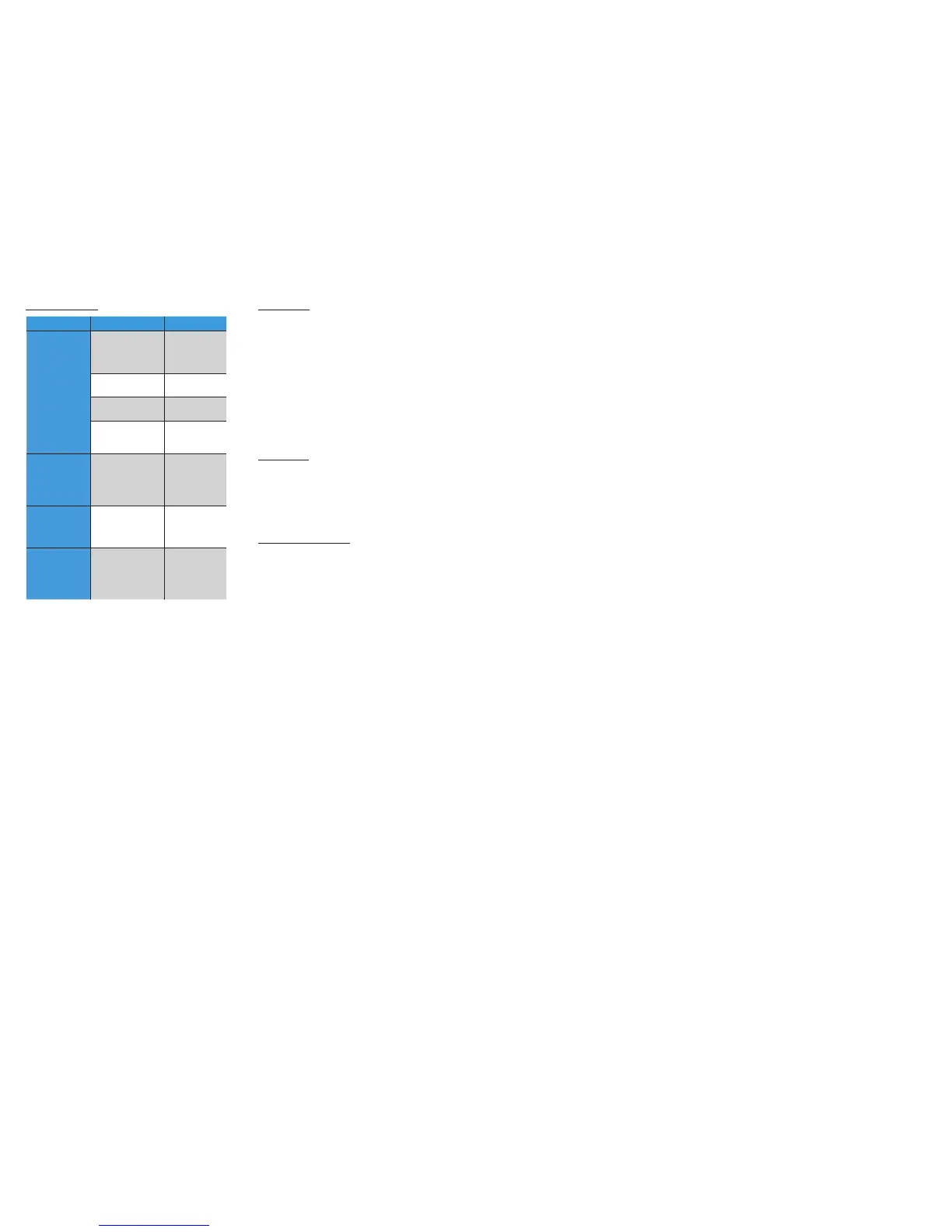
Symptom Cause Solution
USB is not
recognized
Wrong fi le system
Check the
fi le system
(only FAT32 is
supported)
The content is
write protected
Check the fi le
settings
Media is not
supported
Use compatible
fi le formats
Problem with
indexing
Delete index fi les
from the root and
index it again
No text display -
although it
was working
earlier (only on
BMW or Toyota)
iPod UI selected
Change the iPod
mode to iPod GW
mode
Radio is not
muted
Mute wire is not
connected to the
radio
Please connect
the mute wire
according to the
installation guide
Remote control
is not working in
Bluetooth audio
mode
Bluetooth settings of
the phone might be
incorrect
Close all running
application, delete
pairing history,
reboot the phone
and pair it again.
9. Disclaimer
If your car’s electrical system begins to behave in an unpredictable way
please immediately diconnect the Gateway Lite BT device physically
and have it checked by your installer or an automotive electronics
professional. Dension and its authorized distributors and retailers are
not liable for any incidental consequential or indirect damages or loss
and do not assume liability for any diagnostic fees.
The use of handheld devices while driving may be subject to
government legislation. Please ensure that your use of the Dension
device complies with applicable traffi c laws. Dension does not assume
liability for any events resulting from the illegal or irresponsible use
of handheld devices during the driving. Dension reserves the right to
modify its products or specifi cations without prior notice.
10. Warranty
Dension devices carry a one-year limited warranty that protects
you from defects in material and workmanship of products sold by
Dension or its authorized distributors and retailers. Dension does
not warrant any installation work or assume liability for any damage
caused due to negligence, improper installation or operation. For
warranty claims, proof of purchase is required.
11. Update and support
If you need further assistance in using your Gateway Lite BT, please
contact your local supplier or visit www.dension.com/support. Please
check the product section for the latest fi rmware version and product
documentation of your device.


 To Previous Page