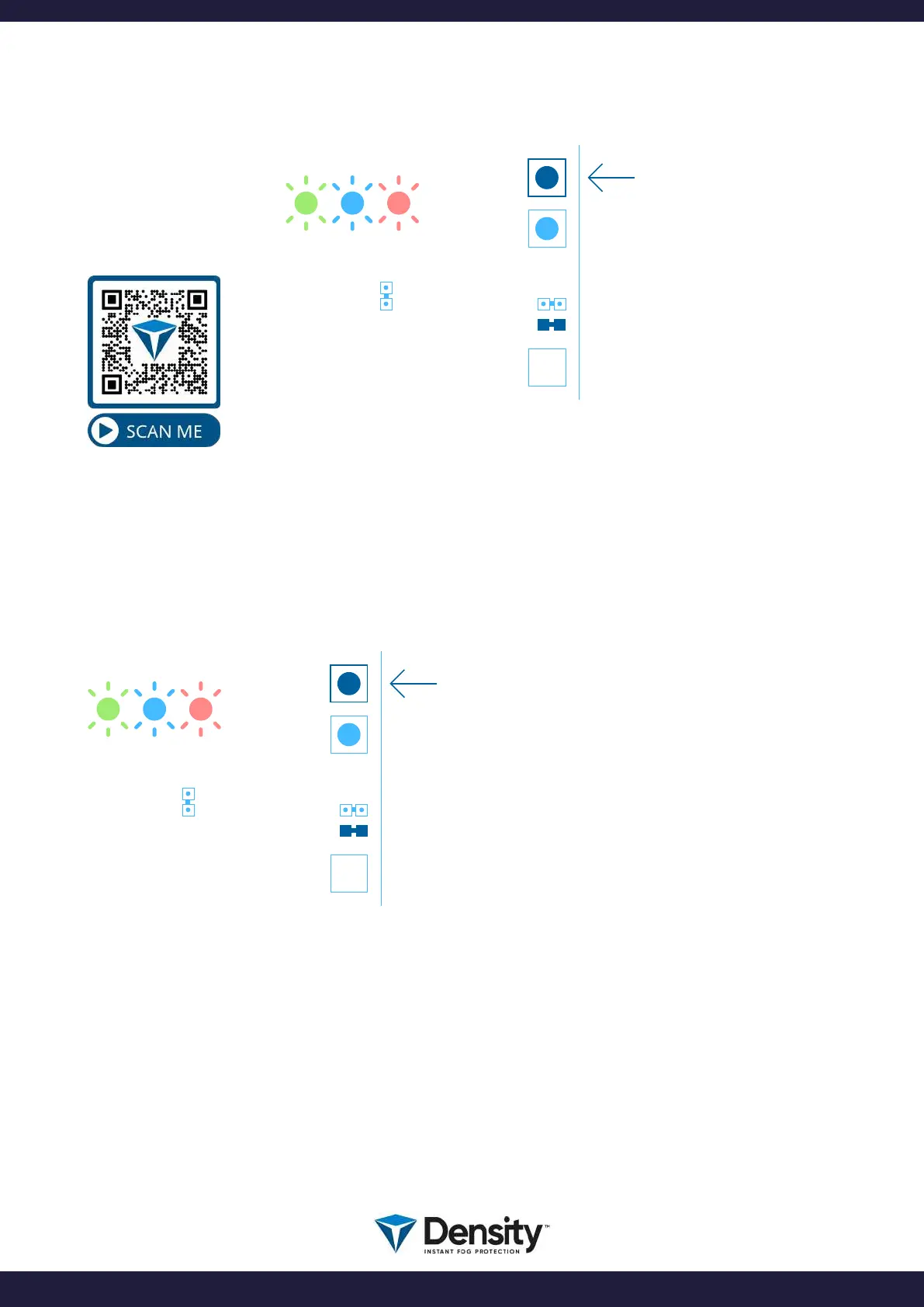
9.1. How to program fog shooting time
9.2. How to read/control the fog shooting time
BOOT
USB
W2
W1
FIRETIME
RESET
BOOT
USB
W2
W1
FIRETIME
RESET
Count the number of
ashes on the LED’s
(The BEEPER will also
beep synchronously with
the LED’s).
PUSH and RELEASE the “FIRETIME” button.
Count the number of ashes on the LED’s
(The BEEPER will also beep synchronously with the
LED’s).
The number counted is the current timer setting of
this machine.
PUSH and HOLD
“FIRETIME” button.
Count the number of
ashes on the LED’s
(The BEEPER will also
beep synchronously with
the LED’s).
EXAMPLE:
You want to program 20
seconds of SHOOTING
time:
Press and hold
“FIRETIME” button and
count the ashes.
When you reach 20 a-
shes, you simply release
the button, and the time
has been programmed.
See how to read
the timer.
page 15/20
www.densityglobal.com | help@densityglobal.com
Version 1.1.4


 To Next Page