To begin random play
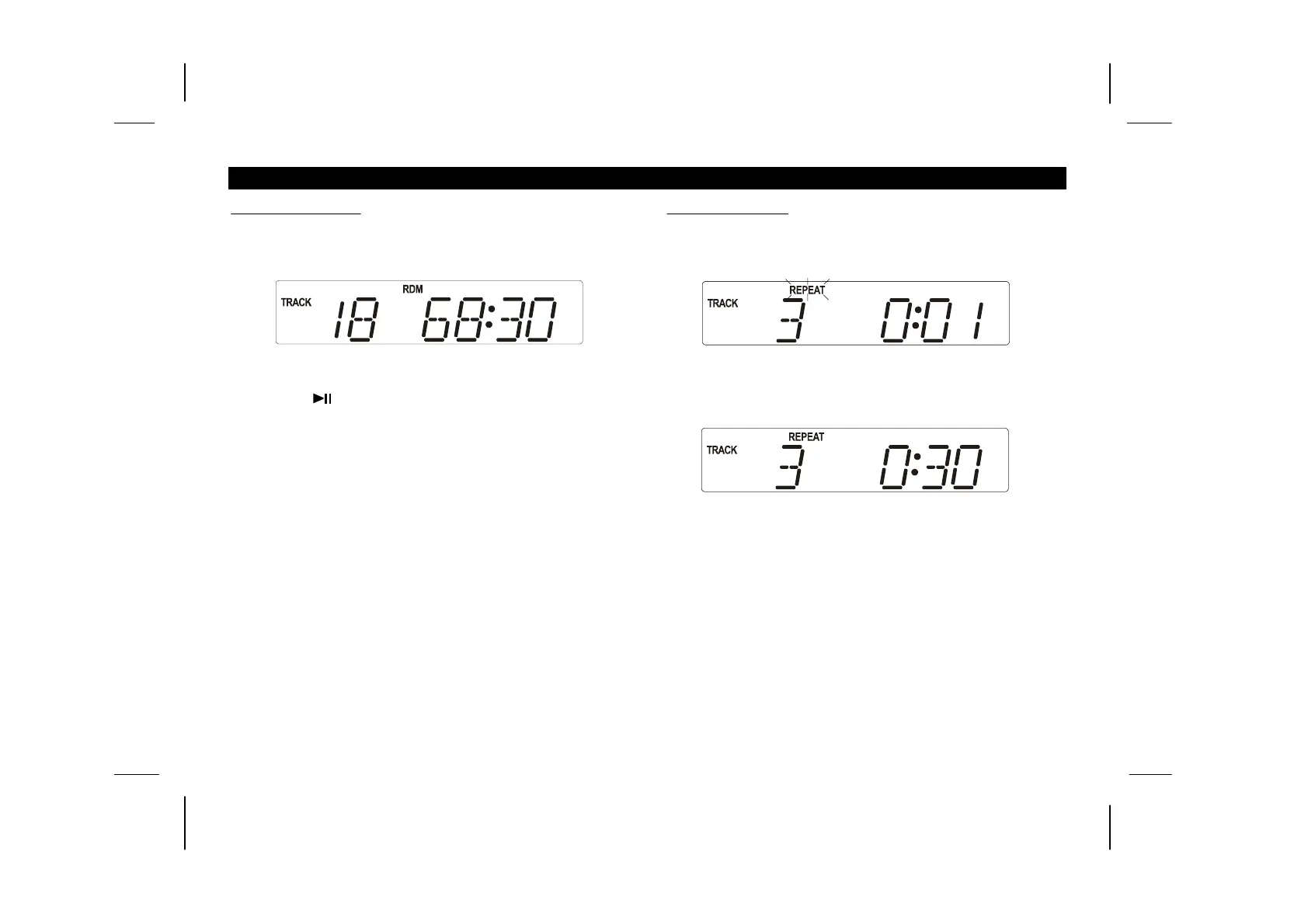
Press the RANDOM button by Remote Handset, the “RDM”
indicator appears on the LCD.
Press the button.
To cancel random play, press the RANDOM button once.
1.
2.
3.
-10-
To begin repeat play
Press the REPEAT button once more to cancel the repeat mode.
CD OPERATION (cont.)
1.
2.
3.
Press the REPEAT button once and the selected track will play
repeatedly. The “REPEAT” indicator flashing on the LCD.
Press the REPEAT button again and all tracks will play
repeatedly. The “REPEAT” indicator stops flashing on the
LCD.


 To Next Page