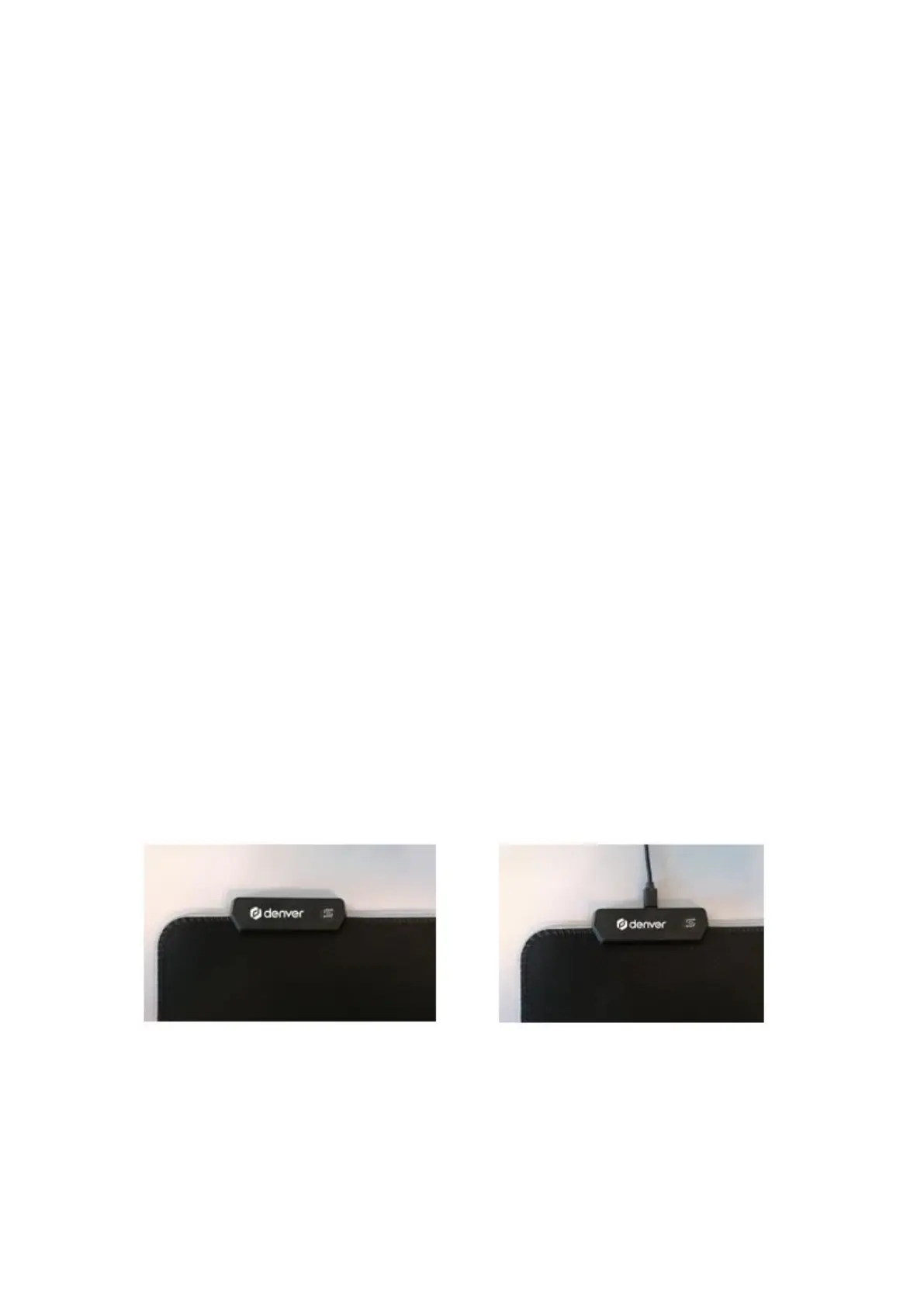
Mouse pad operating instructions
Switch key function:
• Click to switch modes, a total of 14 light modes,
which can be cycled
• Double-click to switch the brightness, there are
two levels of high and low.
• Long press for 3 seconds to turn off the light,
then lightly press again to turn on the light
• Both the light mode and brightness have a
memory function, whether it is a long press to
shut down or power off, it can remember the
state before it is turned off.
ENG 3



 To Next Page