15
DEOS AG
Birkenallee 76 ▪ 48432 Rheine ▪ Germany ▪
+49 5971 91133-0 ▪ +49 5971 91133-2999 ▪ info@deos-ag.com ▪ www.deos-ag.com
© DEOS AG 2015 ▪ Technische Änderungen und Irrtümer vorbehalten.
Datenblatt Revision 2 - Stand: 20.07.2015 Data sheet Revision 2 - Issue date: 20.07.2015
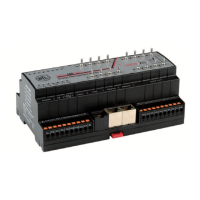
OPEN 600 EMS
Funktionsweise der Handbedienung bei
OPEN IO Modulen mit Handtastern
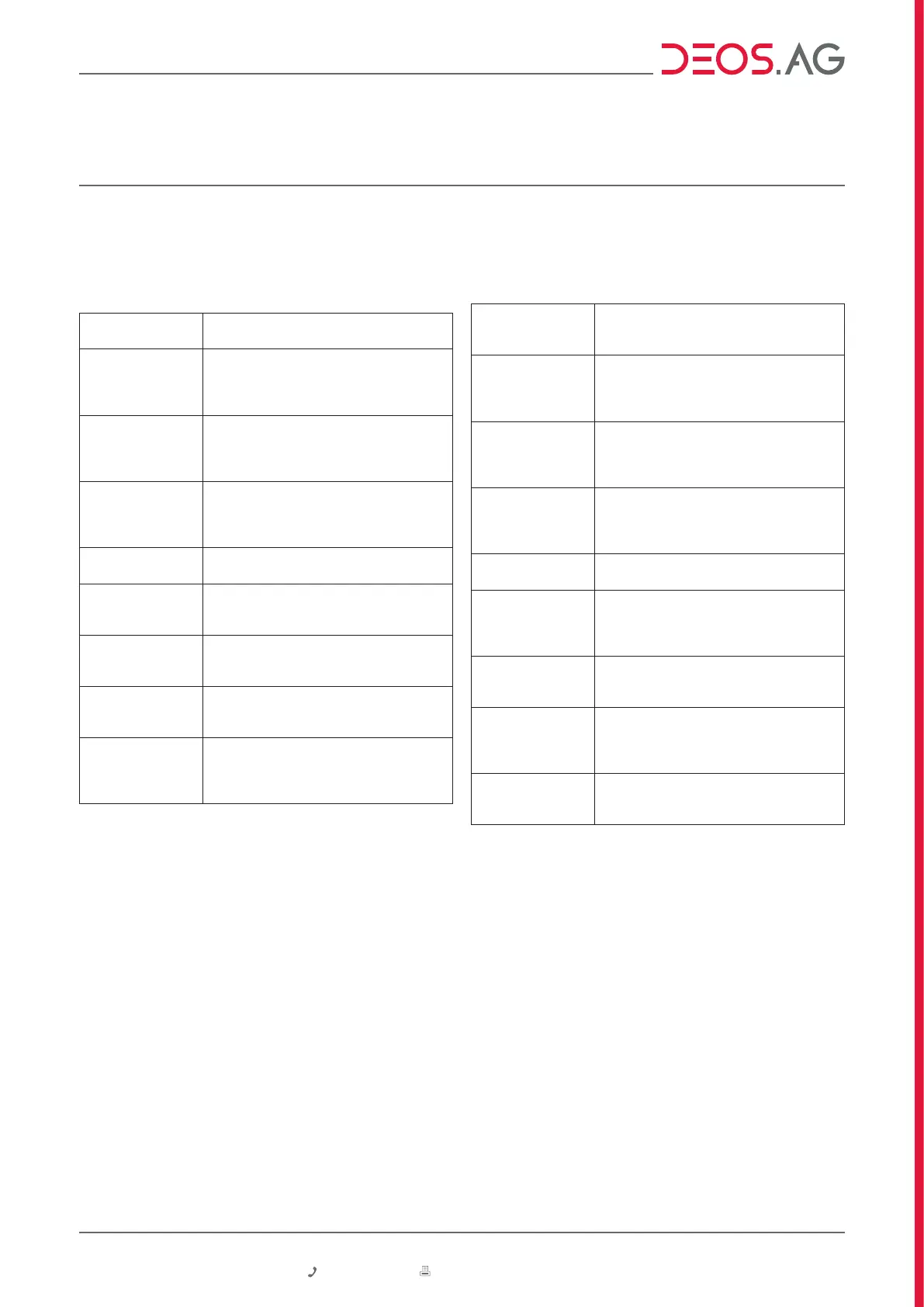
Bedienung der Hand-Ebene
Digital-Ausgänge
DO0 ... DO11
Funktion
Hand EIN
á (3 Sek.)
Drücken Sie den Taster nach oben und
halten ihn 3 Sekunden fest. Der Ausgang
wird auf Hand EIN gesetzt.
Hand AUS
â (3 Sek.)
Drücken Sie den Taster nach unten und
halten ihn 3 Sekunden fest. Der Ausgang
wird auf Hand AUS gesetzt.
AUTO
á oder â kurz
tasten
Drücken Sie den Taster kurz nach oben
oder unten. Der Ausgang wird wieder in
den Automatik-Betrieb zurückgesetzt.
Analog-Ausgänge
AO0 ... AO3
Handmodus
aktivieren á (3 sek)
Drücken Sie den Taster nach oben
und halten ihn 3 Sekunden um den
Handmodus zu aktivieren.
Ausgangswert
erhöhen
á kurz tasten
Drücken Sie den Taster kurz nach oben
um den Ausgangswert um + 10% (+1 V) zu
erhöhen.
Ausgangswert
verringern
â kurz tasten
Drücken Sie den Taster kurz nach unten
um den Ausgangswert um - 10% (-1 V) zu
verringen.
Handmodus
deaktivieren â (3
sek)
Drücken Sie den Taster nach unten
und halten ihn 3 Sekunden um den
Handmodus zu verlassen und zum
Automatik-Betrieb zurückzukehren.
Functionality of the manual control
concerning OPEN IO modules with button
Operation of the manual control
Digital outputs
DO0 ... DO11
Function
manual ON
á (3 sec.)
Press the button upwards and hold it 3
seconds. The output will be set to manual
ON.
manual OFF
â (3 sec.)
Press the button down and hold it 3
seconds. The output will be set to manual
OFF.
AUTO
á or â short use
Press the button shortly up or down.
The output will be set back to automatic
operation.
Analog outputs
AO0 … AO3
Activate
manual mode
á (3 sec.)
Press the button upwards and hold it 3
seconds to activate the manual mode.
Increase output
value
á push up shortly
Press the button shortly upwards to
increase the output value by + 10% (+1 V).
Reduce output
value
â push down
shortly
Press the button shortly down to reduce
the output value by - 10% (-1 V).
manual mode off
â (3 sec)
Press the button down and hold it three
seconds to exit the manual mode and
return to automatic mode..


 To Next Page
 Loading...