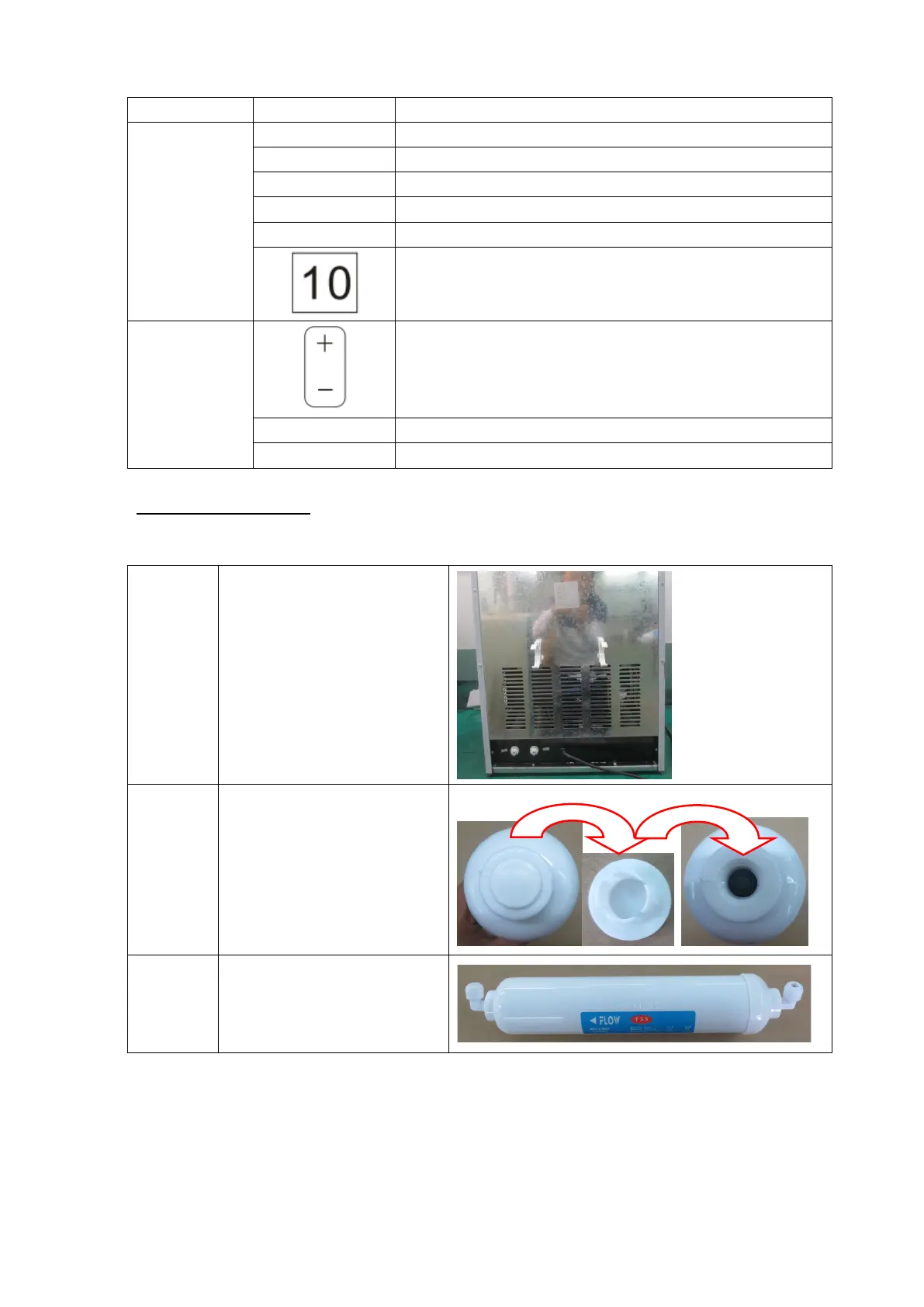
Indicators
timer is working or time is under setting.
unit is under ice making process
alert ice is full, need to be taken out
unit is under auto clean process.
LED screen
Buttons
button to change time setting
set timer function or turn on auto clean function
Operating Instructions
Step 1 Fill water
c
onnect the external water pipe at back of unit with the water tape as follows.
S
tep 1.1 Insert filter bracket into the
hole at back of the unit or
assemble the filter bracket
onto back of the unit with a
thread
Step 1.2 Take off the film of the filter,
and take off the covers at
both side
Step 1.3 Thread the filter connectors
to two sides of the connector


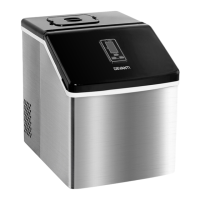
 To Next Page