14
Step eight
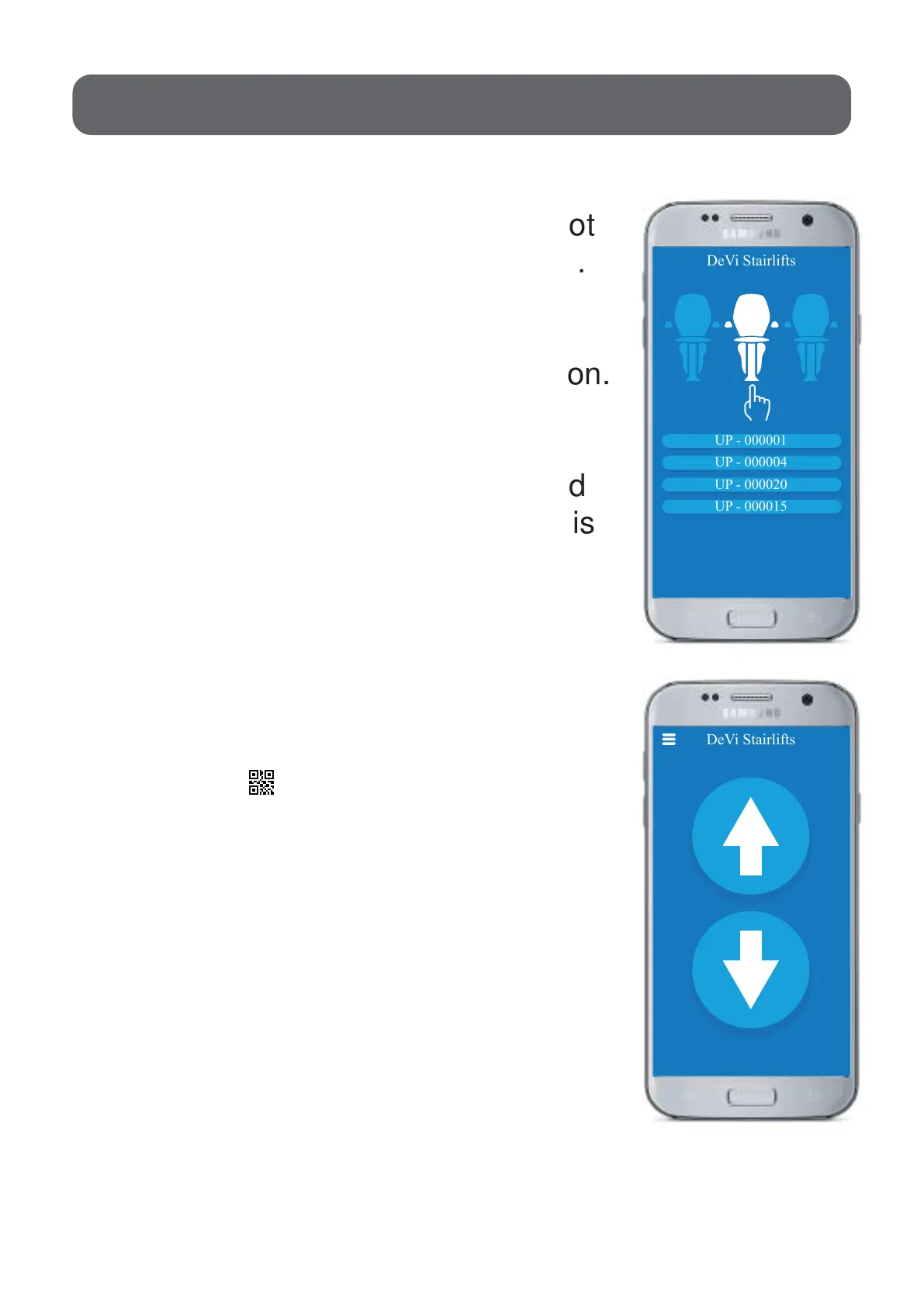
DeVi Stairlifts
UP - 000001
UP - 000004
UP - 000020
UP - 000015
DeVi Stairlifts
4 2
1. Install the remote app, that you got
from the UP installer, on your phone.
2. Make sure that your bluetooth is on.
3. Select the UP-xxxxxx in your
bluetooth settings.
4. When you select the UP you need
to put in a password.The password is
1234.
5. Open the app on your phone.
6. Push the button “Connect”.
7. Push the button and scan
the QR-code that is on your wall.
8. Now your phone is ready to use
as a remote for your stairlift.
When you do not use the app for
30 seconds you need to re-scan the
QR-code.



 To Next Page