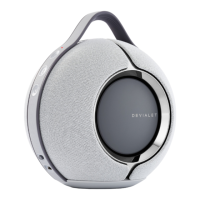
For best results when charging Devialet Mania, make sure
to use the USB-C power cord and power supply provided.
If you own the docking station, plug the power
cord directly into the station and place your speaker on it.
•
Connect your speaker to your Wi-Fi network
•
Access performance upgrades
•
Get tips and personalize your settings
•
Set up voice assistant*
*Voice services may vary and may not be
available in all languages and countries.
START
DEVIALET MANIA
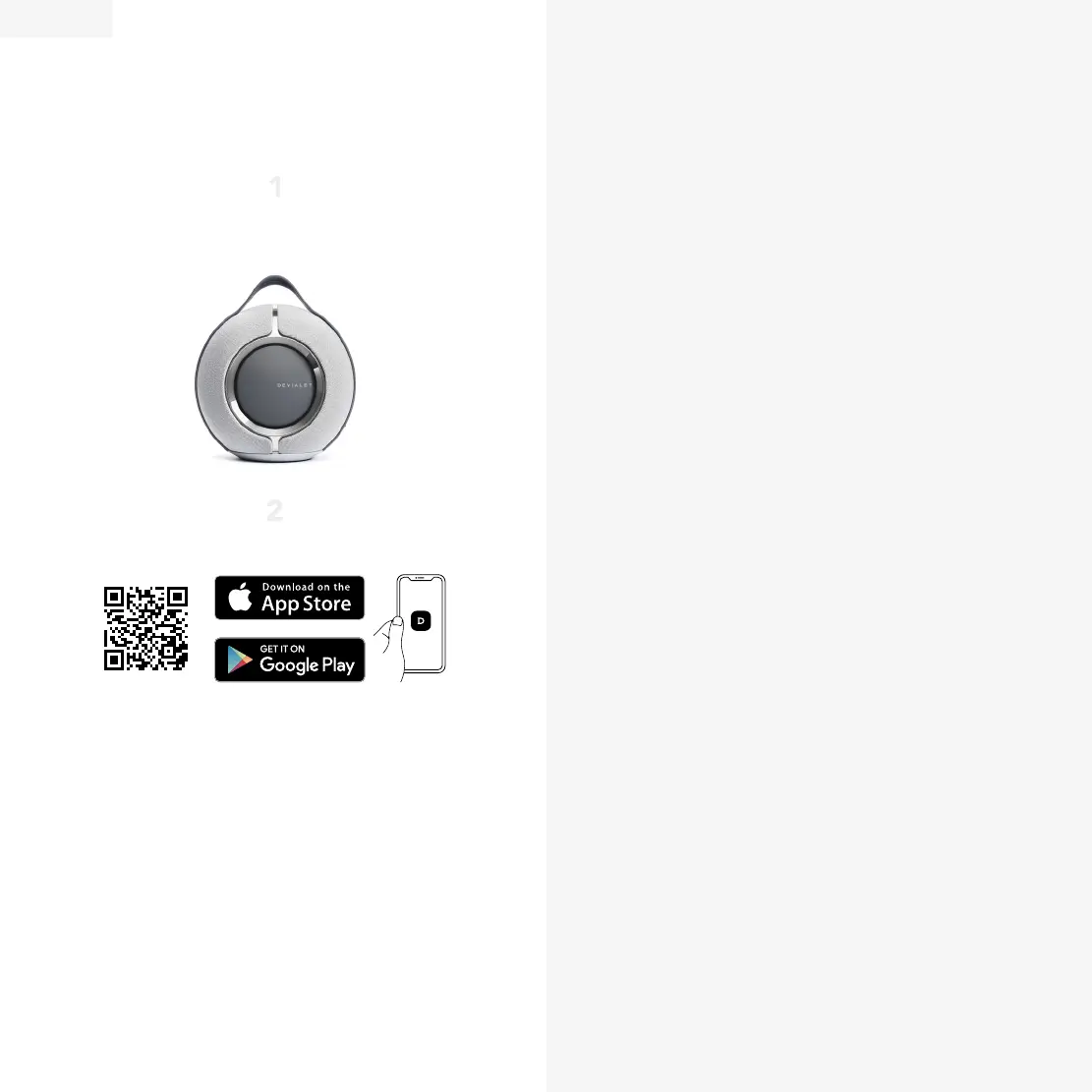
Download the Devialet App
•
Press and hold Bluetooth button for 2 seconds
When the indicator light starts slowly blinking blue,
your speaker is ready to be paired to a Bluetooth device
•
Open the Bluetooth settings on your device
and search for «Devialet Mania-XXXX»
Voice services may vary and may not be available in all languages and countries.
•
Connect Devialet Mania to the same
Wi-Fi network as your Apple device
•
Play the audio track you want to stream
•
Tap the AirPlay or streaming icon
•
Choose Devialet Mania as the output speaker
Use your phone, tablet or computer
as a remote control for Spotify.
Go to spotify.com/connect to learn how.
USE BLUETOOTH
TO ENJOY MUSIC EVERYWHERE
WITH AIRPLAY
USE WI-FI TO BENEFIT
FROM THE BEST SOUND QUALITY
WITH SPOTIFY CONNECT
WITH VOICE ASSISTANT
•
Ensure mics are unmuted (see next page)
•
Go to the settings of your Devialet app
to congure voice assistant
LAUNCH
YOUR MUSIC
WE CAN HELP: help.devialet.com
ENGLISH
Connect your product
with the supplied cable to wake it up.


 To Next Page
 Loading...