EasyManua.ls Logo

Devialet Phantom - Install Dialog and Start Phantom

Devialet Phantom
21 pages
To Next Page IconTo Next Page
To Previous Page IconTo Previous Page
Loading...
POSSIEDO UN
PHANTOM
+ +++ ++
POSSIEDO UN
PHANTOM
+ +++ ++
POSSIEDO UNO O PIÙ
PHANTOM E DIALOG
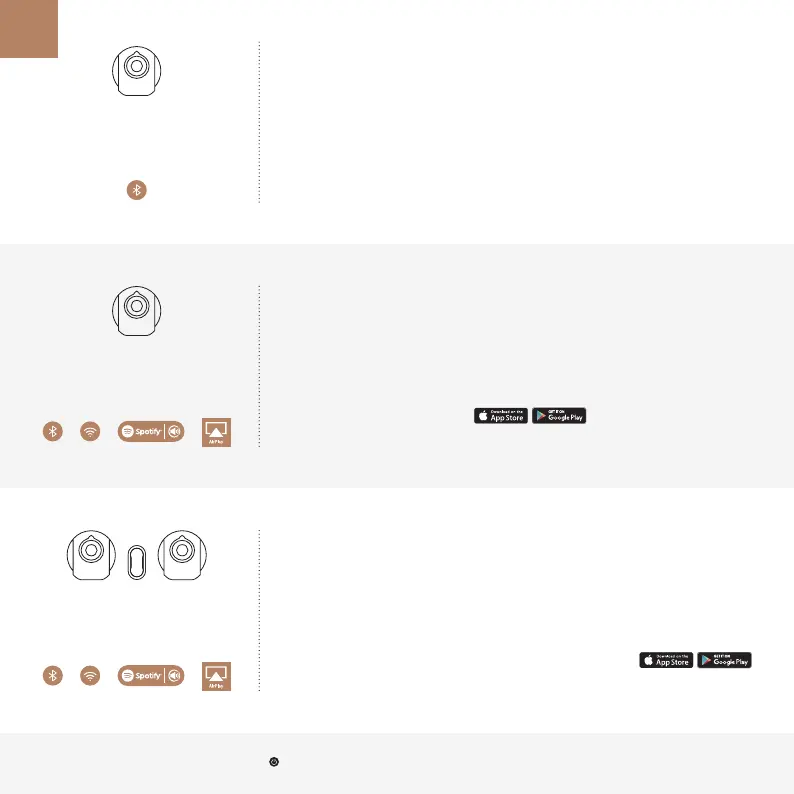
CONFIGURAZIONE RAPIDA
CONFIGURAZIONE COMPLETA
1
Accendere PHANTOM
e attendere l’emissione
di un suono
2
Accoppiamento
BLUETOOTH
PHANTOM-XXXX
3
Buon ascolto
Occorre ricominciare? Premere il pulsante sul retro di PHANTOM per 3 volte consecutive. SIAMO QUI PER AIUTARTI: help.devialet.com
1
Accendere PHANTOM
e attendere l’emissione
di un suono
2
Scaricare e aprire
DEVIALET SPARK
3
Buon ascolto
www.devialet.com/Spark
IT
1
Accendere DIALOG
e collegarlo alla banda larga
del router o del Wi-Fi
2
Accendere PHANTOM
e attendere l’emissione
di un suono
3
Scaricare e aprire
DEVIALET SPARK
www.devialet.com/Spark

Other manuals for Devialet Phantom

Related product manuals