18
Expert Pro fully redefines the listening experience. To offer you an extremely simple access to music. And the best amplification
performances ever measured under actual usage conditions.
The ultimate audiophile experience is now at your fingertips. All you have to do is follow the steps below and press play.
Please note : If you wish to performe an advanced configuration of your system (input configuration, setting the SAM® and RAM®
technologies, Wi-Fi configuration etc.), please refer to the detailed user manual that is available in your personal account at www.devialet.
com.
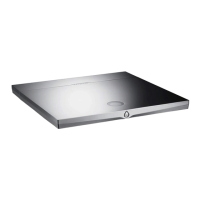
1 - Remove your Expert Pro from its box and lay it flat on a smooth surface.
2 - Remove the back cover.
3 - Connect your sources (CD-player, turntable, Blu-Ray player, television, etc.) to the corresponding inputs and your speakers to the J and
K outputs. Make sure that you respect the polarity of the connectors. The speakers need to be placed equidistant from the listener, for
optimal spatial performances.
2 QUICK START
A
B C G
H
I
J
K
L
M
N P
E
F
D
O
NB: The number of available inputs may vary depending on the model of your Expert Pro.


 To Next Page
 Loading...