9
English
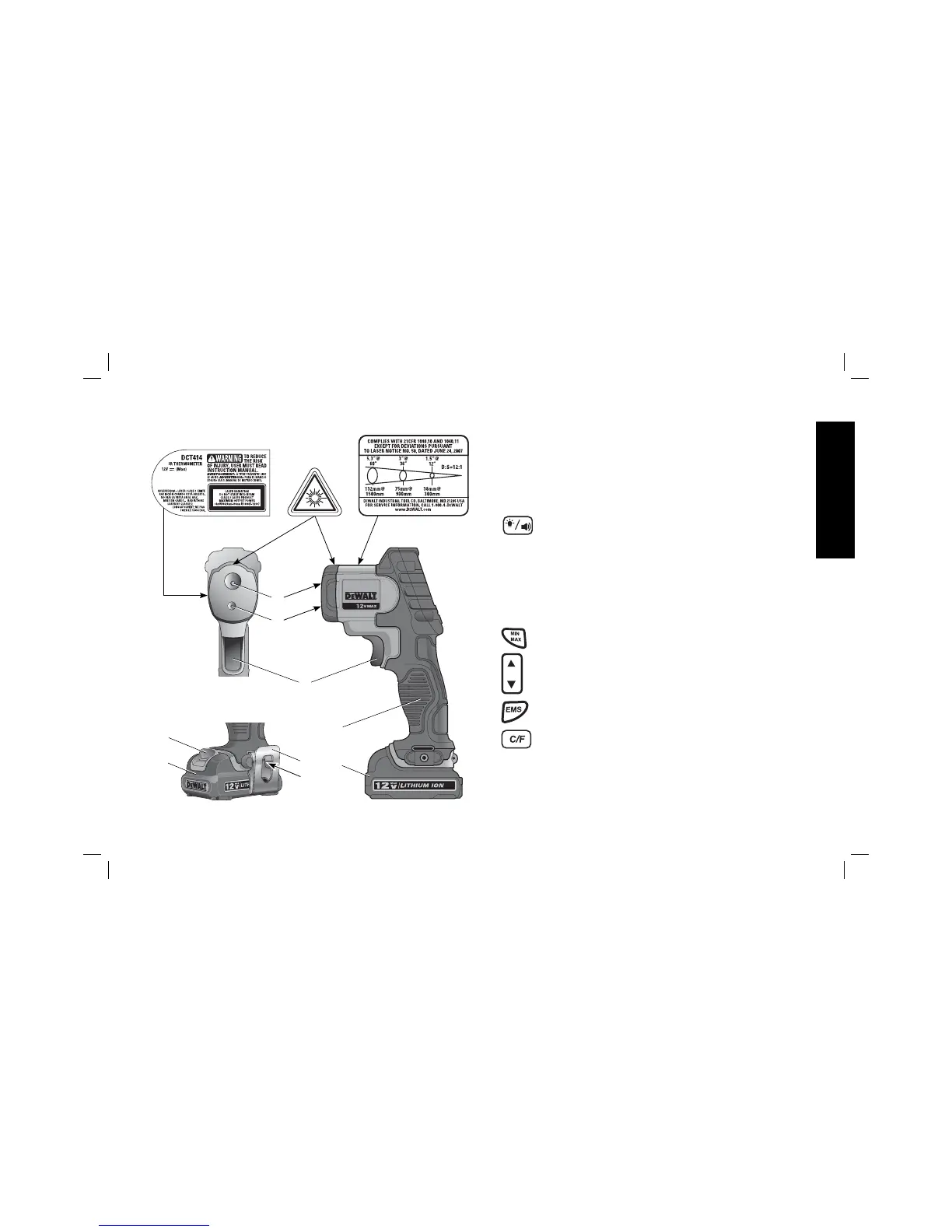
A. Measurement trigger
B. Battery release button
C. D
EWALT 12V Max* Lithium Ion Battery
D. Main handle
E. IR sensor
F. Laser/pointer beam
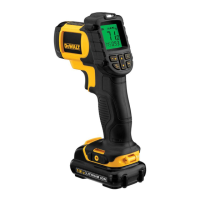
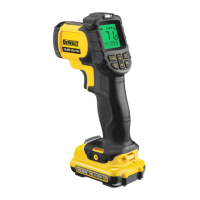
G. LCD screen
H.
Alarm mode button: is used to select the type of alarm and
to set the high (HAL) and low (LAL) temperature limits for
the alarm.
Alarm 1 – temperature has reached the set limit, indicated by
the red/blue LED (M)
Alarm 2 – temperature has reached the set limit, indicated by a
beeper sound
Alarm 3 – temperature has reached the set limit, indicated by
both the LED and the beeper
I.
Min/Max/Avg Mode Button: Displays either the lowest,
highest or average temperature.
J.
Adjustment Button: Used with each mode button to set
desired value.
K.
EMS Mode Button: Set emissivity value.
L.
C/F Mode Button: Used to set temperature units of
measure (Celsius or Fahrenheit).
M. LED Indicator - Active in Alarm 1 and Alarm 3 modes.
Blue: serves as alarm to show that temperature has reached the
set minimum.
FIG. 2
LOCATED ON
SIDE OF TOOL
O
P
B
C
C
D
E
F
A


 To Next Page