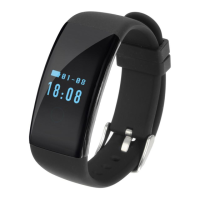
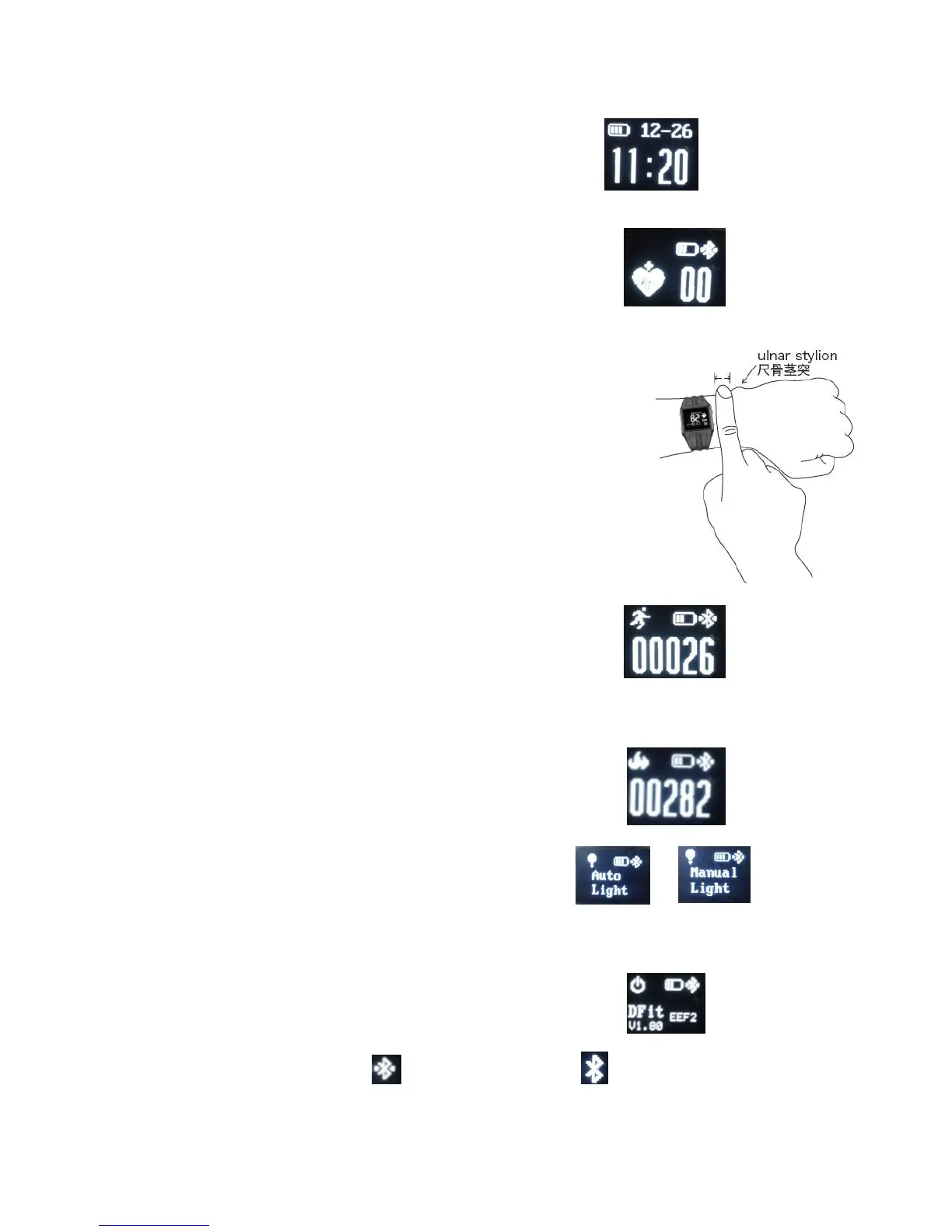
1. Heart Icon,long press the icon to start testing with beating.
2. Display the real time heart rate.
Notice:The heart rate testing data can not be used as medical data.
The time will a little longer for the first timetesting ,it is normal.
1. keep a finger width between the wristband and ulna
2. keep the heart rate sensor clinging to skin
2. Display the real time steps
2. Display the whole distance according to the pedometer
2. Display the real time calories
1. long press the touch key to turn on/off the function
1. Turn on/off icon, the wristband can only be turned off in this
interface in case of the wrong operation.
3. Bluetooth connection icon, this icon means Connected this icon means


 To Next Page
 Loading...