10 Tool Information
Selecting Setup > About option opens a screen that shows information about your code reader,such
aseserial number and software version.
To view information of your code reader:
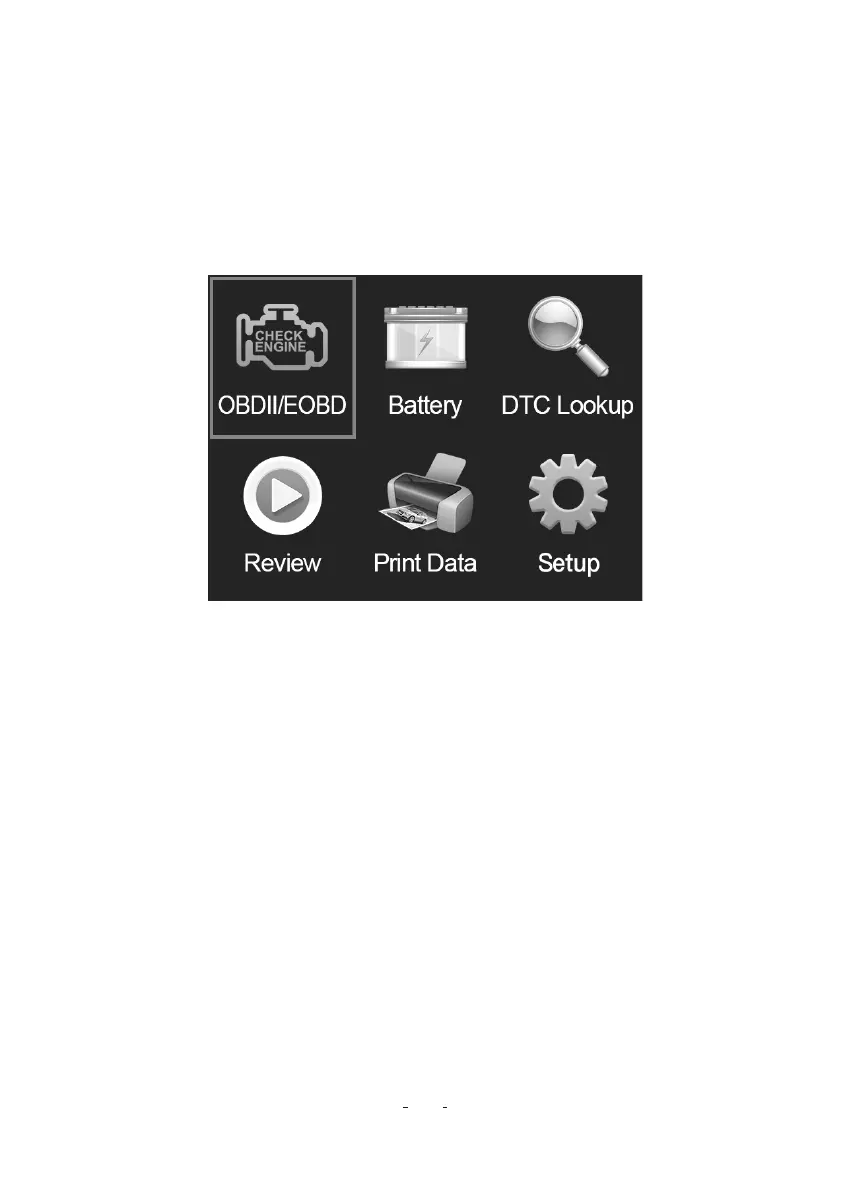
1. Use the LEFT / RIGHT key to highlight Setup from home menu and press the ENTER key.
2. Use the UP / DOWN key to highlight About menu and press the ENTER key, a screen with detailed
information of the code reader displays.
11.1 Updating the Code Reader
11 Updating Software and Printing
To update the code reader, you need following tools:
•OBDII / EOBD Code Reader
•Update Tool VD30
•PC or laptop with USB Pos and Internet explorer
•USB cable
To be able to use update tool, PC or laptop must meet the following minimum requirements:
•Operation System: All Windows systems, Win 98 to Win 10.
•CPU:Intel PⅢ or better
•RAM: 64MB or better
•Hard Disk Space: 30MB or better
•Display: 800×600 pixel. 16 byte true color display or better
•Internet Explorer 4.0 or newer
OBDII / EOBD+CAN VD30 Code Reader User Manual
19


 To Next Page
 Loading...