4 OBDII / EOBD Diagnostics
4.1 Read Codes
Read Codes menu lets you read stored codes, pending codes and permanent does found in the
control unit. Typical menu options include:
•Stored Codes
•Pending Codes
•Permanent Codes
To Read codes from a vehicle:
1. Press the Read hot key to directly read the codes from home screen. Or scroll with the UP / DOWN
key to highlight Read Codes from Diagnostic Menu and Press the ENTER key.
2. Select Store Codes / Pending Codes / Permanent Codes and press the ENTER key to conrm.
3. A code list including code number and its description displays
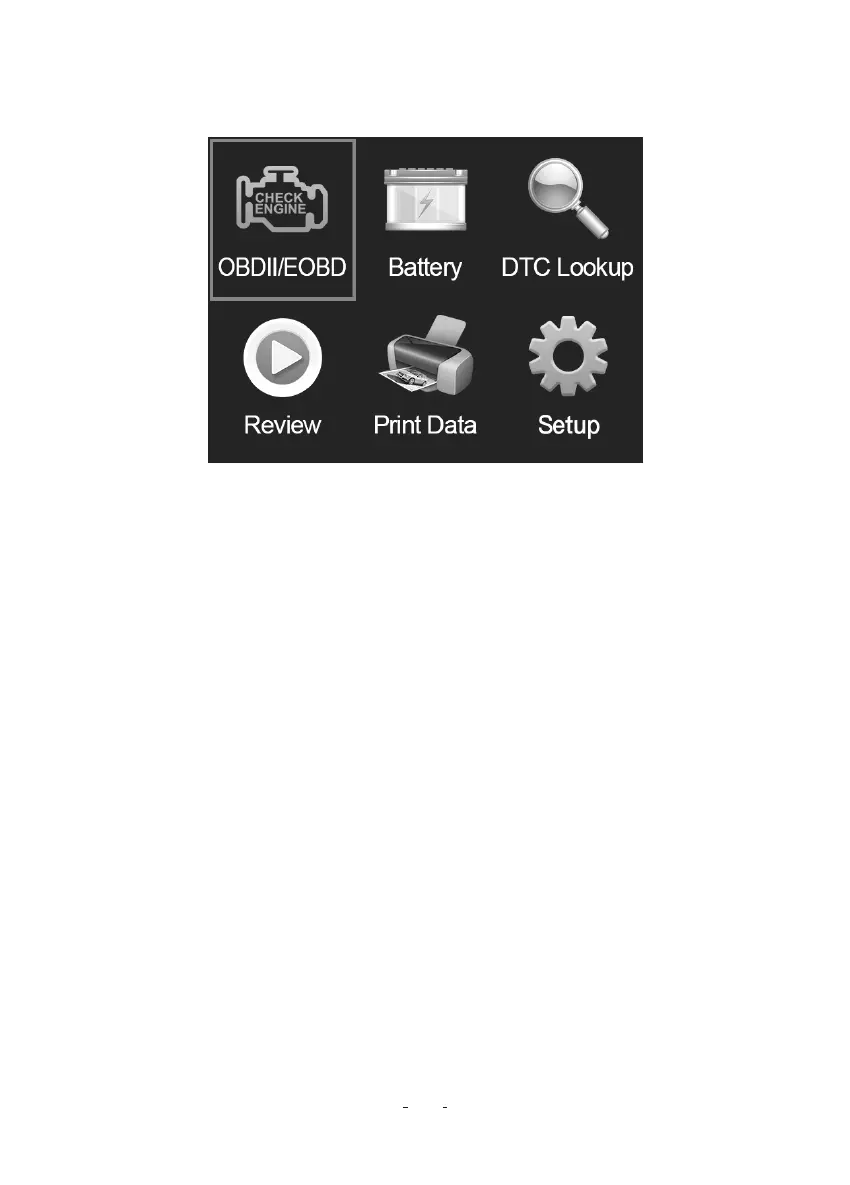
When Diagnostics application is selected from Home screen, the code reader stas to detect the
communication protocol automatically. Once the connection has been established, a menu that lists
all of the tests available on the identied vehicle displays. Menu options typically include:
•Read Codes
•Erase Codes
•Live Data
•View Freeze Frame
•I/M Readiness
•On-board Monitor Test
•Component Test
•Vehicle Information
•Modules Present
•Unit of measure
OBDII / EOBD+CAN VD30 Code Reader User Manual
5


 To Next Page
 Loading...