34
The function description is as below.
Start / pause presentation or stream.
Stop a current presentation or stream
List the connected PC’s. The host/teacher can choose the PC from
the connected list to project to big screen.
Close the Application window.
(B) Client Mode
If you are connected as a client (connecting to the same WPCTV3000 and active the nScreenshare), you
could only project the screen image when Administration chooses to.
Follow the steps in ScreenShare and you will be able to log in the same conference room with other
clients.
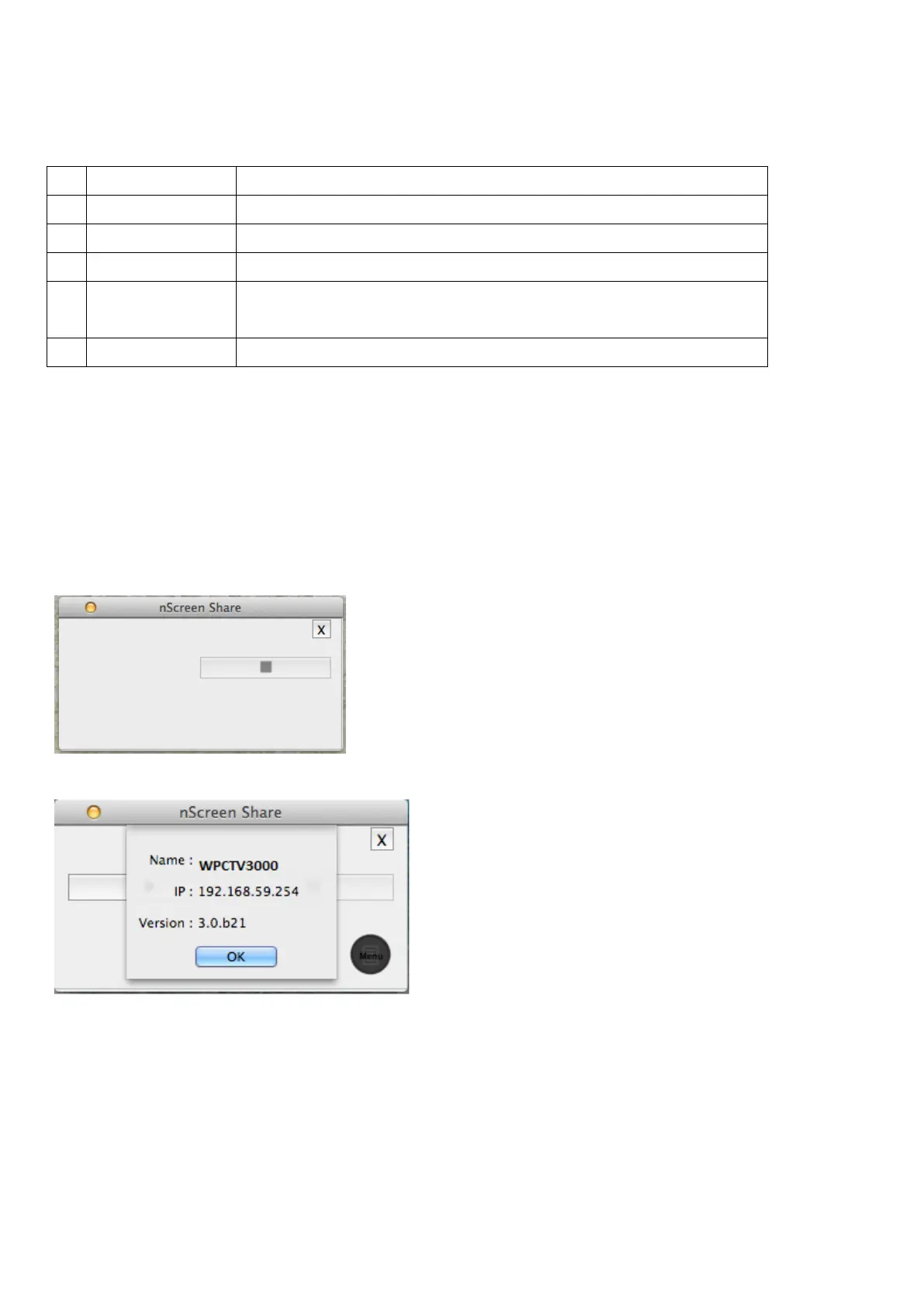
As in Client Mode, it will only show the below tool bar since only Administrators can project the image.
(8) Information
Displays the application information, like the Adapter name, IP Address and Version number.
(9) Exit



 To Next Page