52
2-4-2 Basic Usage of AIRFUN Utility for Windows software
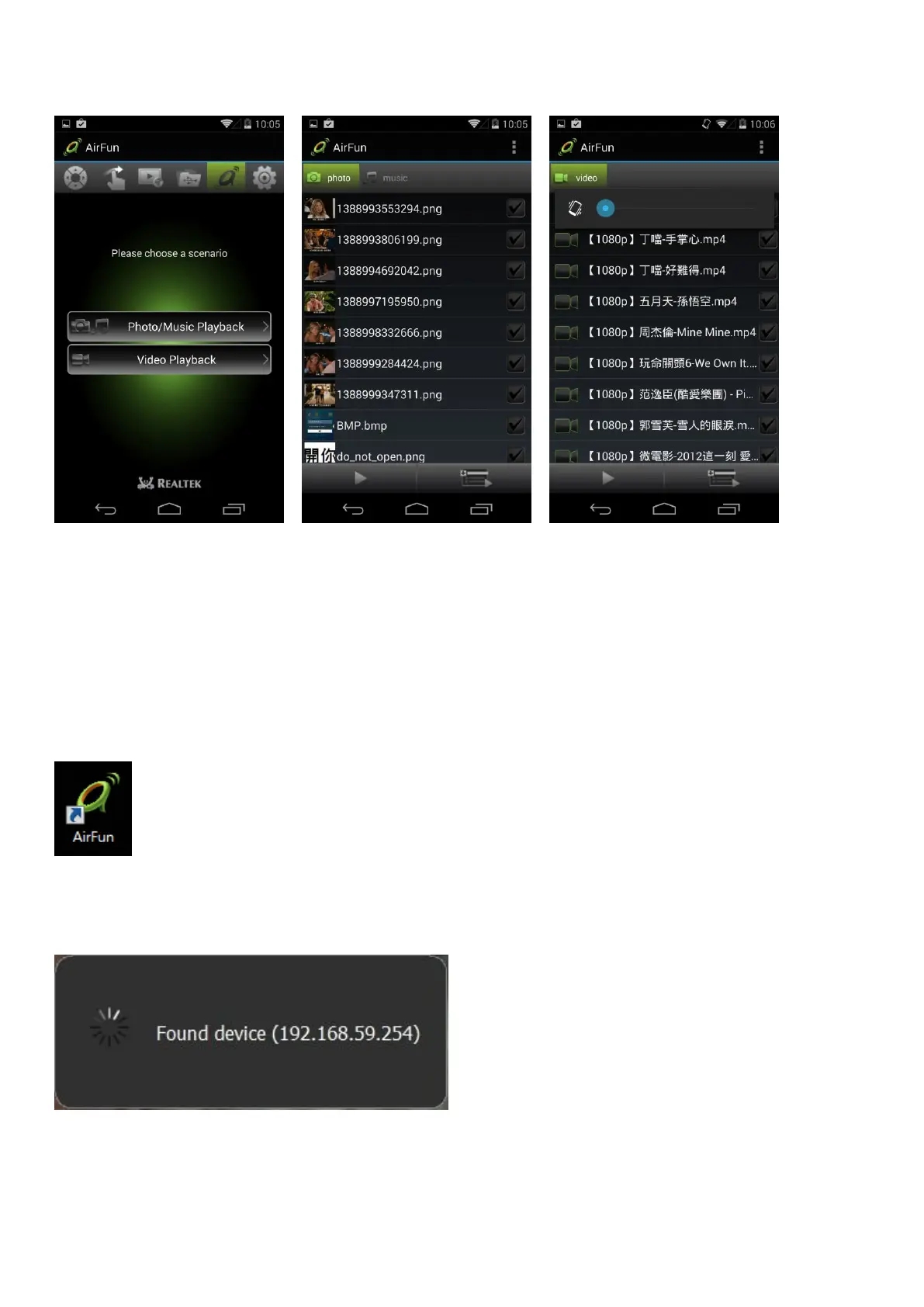
1. You can install Airfun application from the provided CD ROM.
2. Double click the AIRFUN icon from your desktop.
3. The Airfun start to search the DLNA device. If there is no DLNA device, it will show “No device
found”.
4. If using a DLNA device, you should be able to see your PC screen on the TV now.



 To Next Page